
On this page

Quick answer: download IPTV Smarters Pro for Windows or macOS from the official IPTV Smarters website, install it, add a profile with the Xtream Codes tab and enter your TrendyScreen server URL, username and password. For a quick test, paste your M3U link into VLC (Media > Open Network Stream).
What you need
- A Windows 10/11 PC or a Mac.
- Your TrendyScreen login (server URL, username, password) or your M3U link.
- A wired connection or strong Wi-Fi for Full HD and 4K.
Windows: IPTV Smarters Pro
Download IPTV Smarters Pro for Windows
Go to the official IPTV Smarters website (iptvsmarters.com), open Downloads and choose Windows. The download starts on its own.
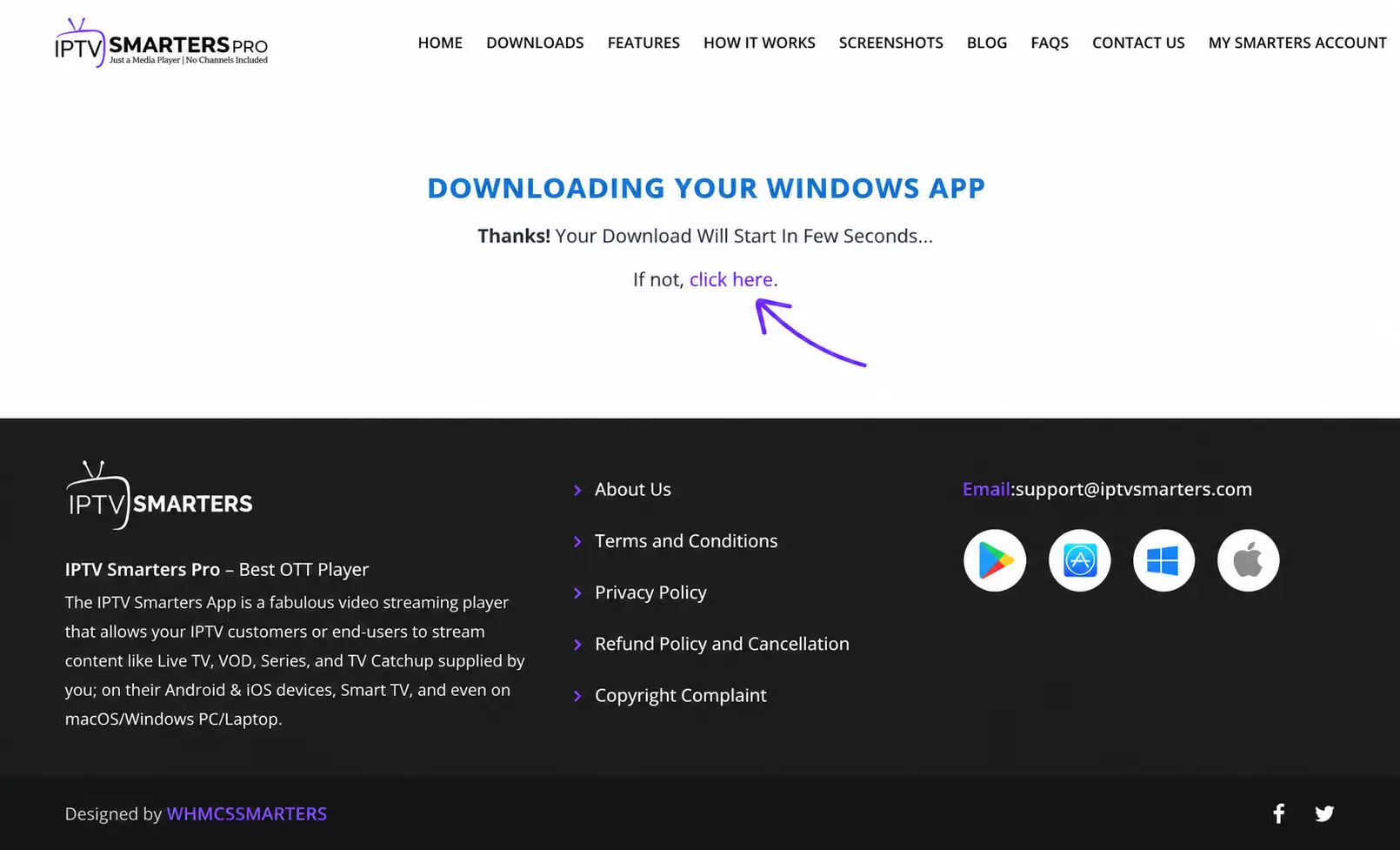
Save and run the installer
Save the
.exefile, open it and follow the installer. If Windows SmartScreen shows a warning, choose More info > Run anyway — only for the file you downloaded from the official site.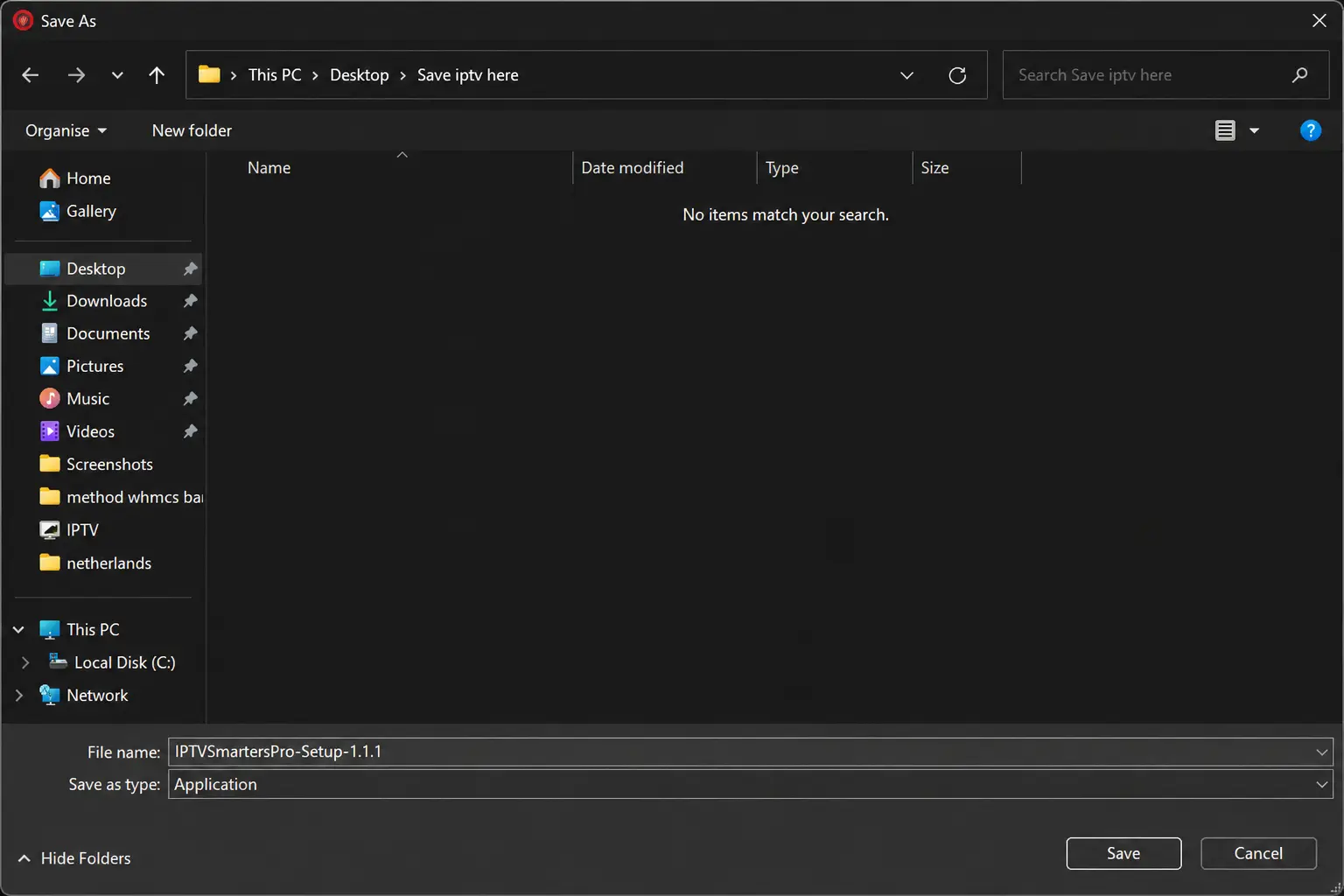
Open IPTV Smarters Pro and add a profile
Choose the Xtream Codes tab.
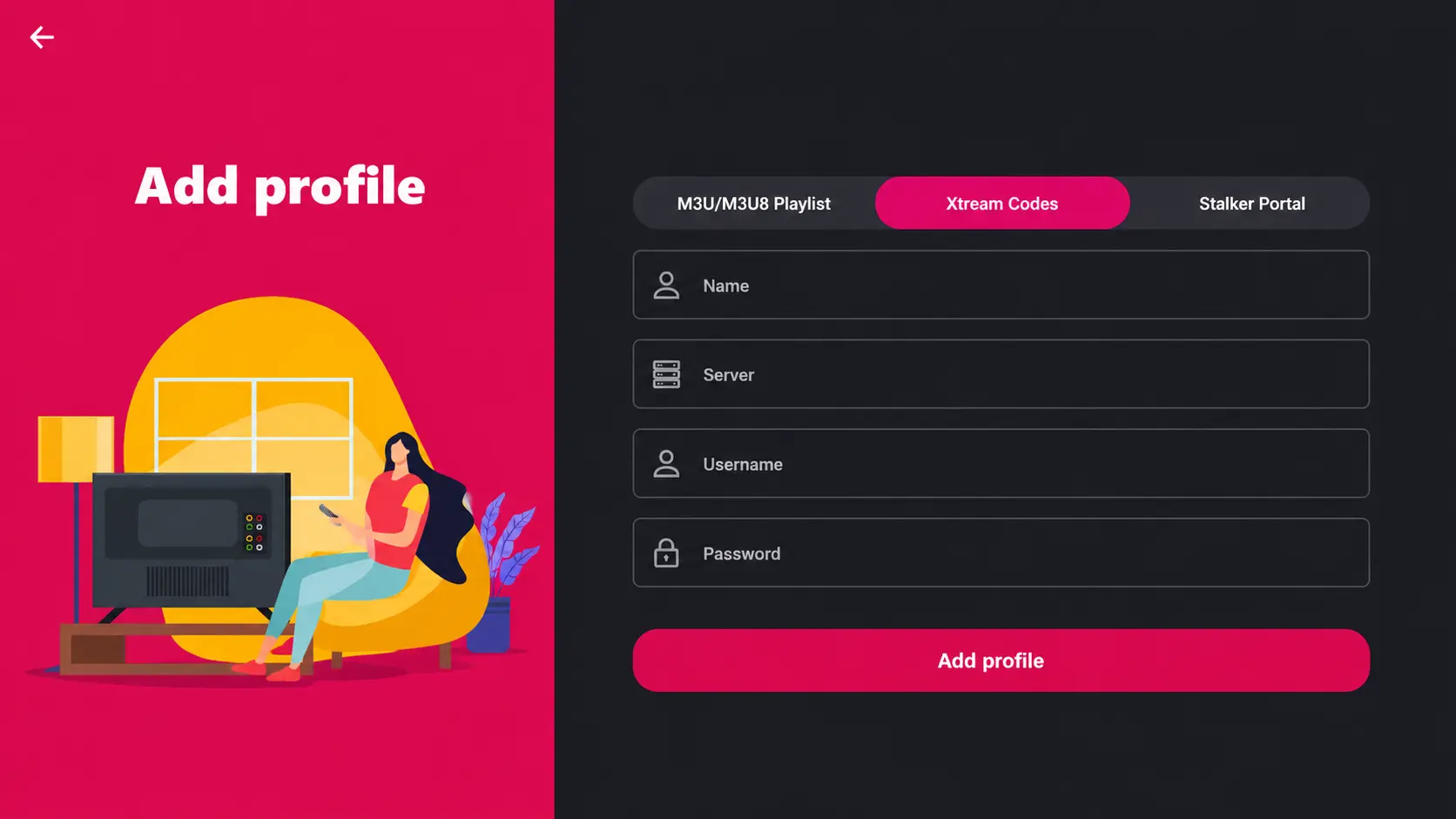
Enter your TrendyScreen details
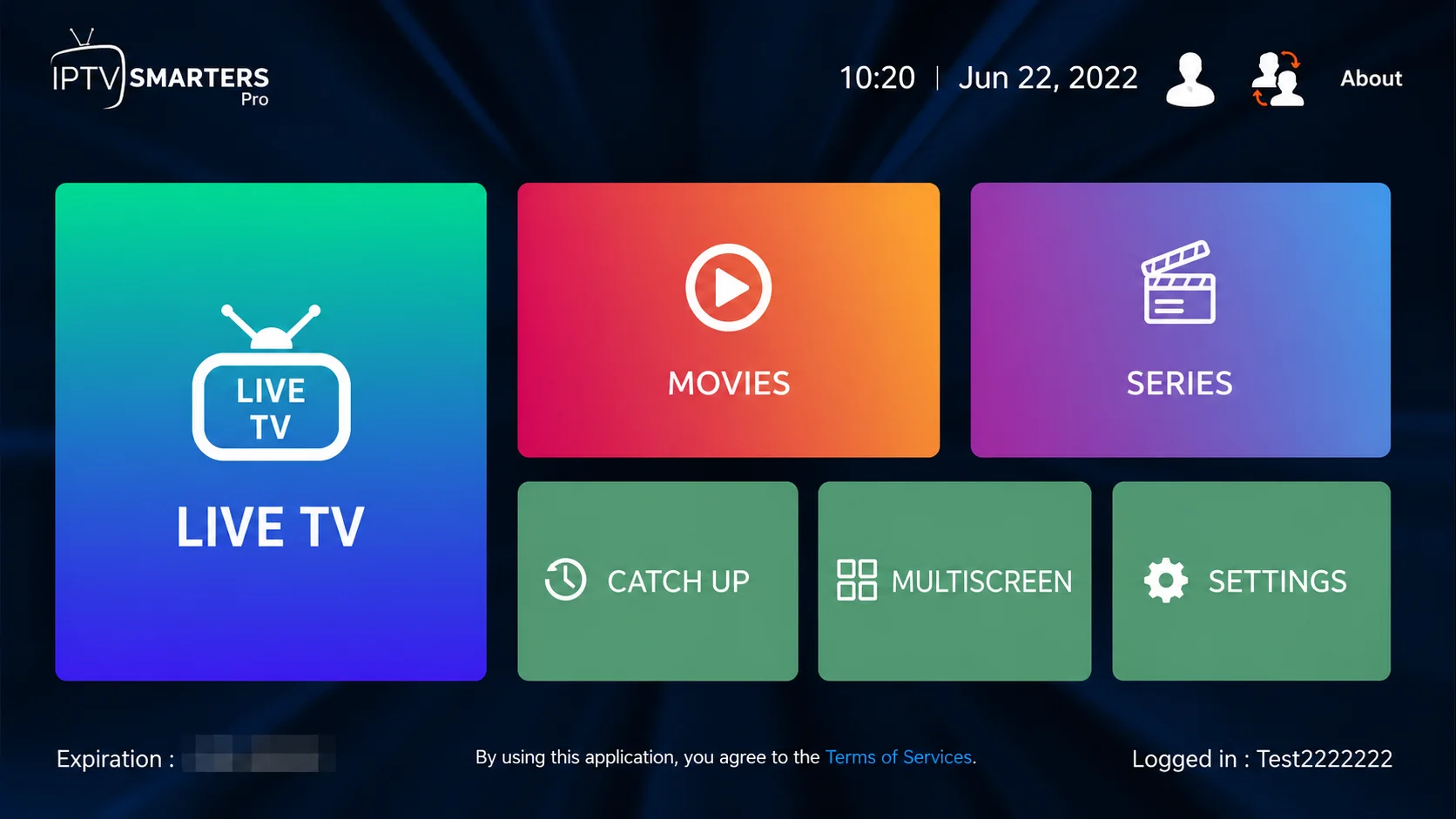
Name (anything), server URL, username and password, then select Add profile. Live TV, movies, series and catch-up appear on the home screen.
Mac: IPTV Smarters Pro
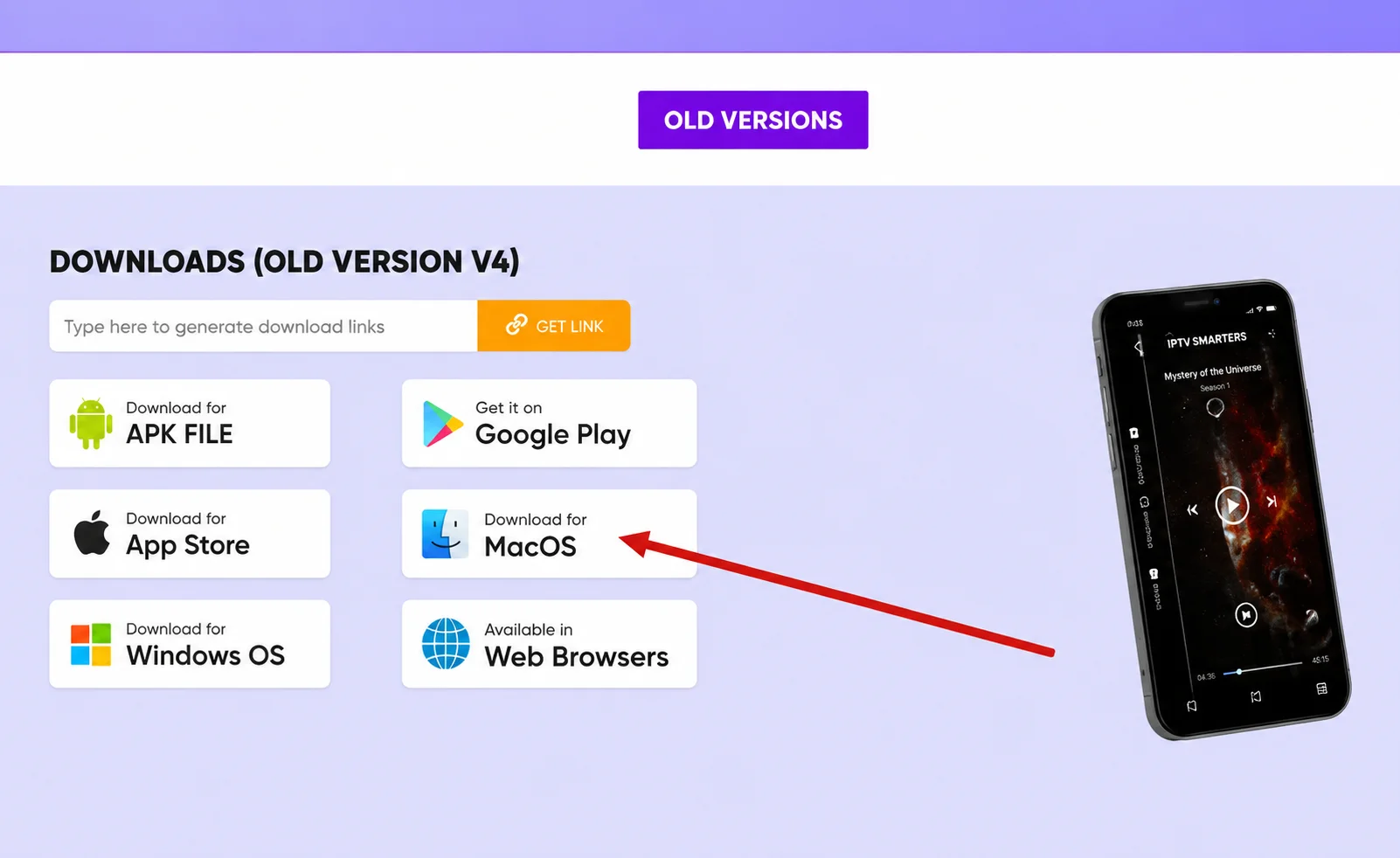
Download the macOS version
On the IPTV Smarters website’s download page, choose Download for macOS.
Install it
Open the downloaded
.dmgfile and drag IPTV Smarters into Applications. On first launch, if macOS blocks it, open System Settings > Privacy & Security and choose Open Anyway.Log in with Xtream Codes
Add a profile with your TrendyScreen server URL, username and password — exactly as on Windows.
Prefer the App Store? IPTVX runs on Mac as well as iPhone and Apple TV — see the Apple guide.
Quick alternative: VLC with your M3U link
VLC is free on Windows, Mac and Linux and can play IPTV channels from an M3U link:
- Install VLC from videolan.org and open it.
- Choose Media > Open Network Stream (on Mac: File > Open Network).
- Paste the M3U link from your TrendyScreen activation message and press Play.
- Open the playlist view (Ctrl+L on Windows) to browse channels.
VLC has no TV guide, no movie library and loads large playlists slowly. Use it as a backup or to test a channel; for everyday watching, IPTV Smarters Pro is much more comfortable.
Tips for watching IPTV on a computer
- Plug in an Ethernet cable — laptops on busy Wi-Fi are the most common cause of buffering on PC.
- Close heavy downloads, cloud sync and games while you watch live sport.
- Connect the PC to your TV with an HDMI cable to watch on the big screen.
Troubleshooting
- Login refused: check the URL includes
http://and the port, and retype the username and password. See Failed to Authorize. - Picture stutters: lower the channel quality or switch to Ethernet — more in IPTV buffering fixes.
- Antivirus blocks the installer: make sure you downloaded it from the official IPTV Smarters website, then allow it.
Windows and Mac IPTV questions
What is the best IPTV player for Windows?
IPTV Smarters Pro is the easiest full-featured player on Windows, with live TV, VOD, series and a TV guide. VLC is a good free fallback for live channels from an M3U link.
Can I watch TrendyScreen in a web browser?
We recommend a dedicated app: browsers cannot play many IPTV stream formats reliably. IPTV Smarters Pro for Windows or Mac is free and gives you the full experience.
Can I use VLC for IPTV?
Yes. In VLC, open Media > Open Network Stream, paste your M3U link and press Play. VLC shows the channel list as a playlist; there is no TV guide or movie library, so it is best as a quick backup.
Does IPTV Smarters work on a MacBook with Apple silicon?
Yes. Download the macOS version from the official site. If you prefer an App Store app, IPTVX also runs on Mac.