
Quick answer: install IPTVX from the App Store, choose Add playlist > Xtream Codes, enter your server URL, username and password, and turn on iCloud sync for your other Apple devices.
Set up IPTVX
Install IPTVX from the App Store
Search for IPTVX on your iPhone, iPad, Apple TV or Mac and install it.
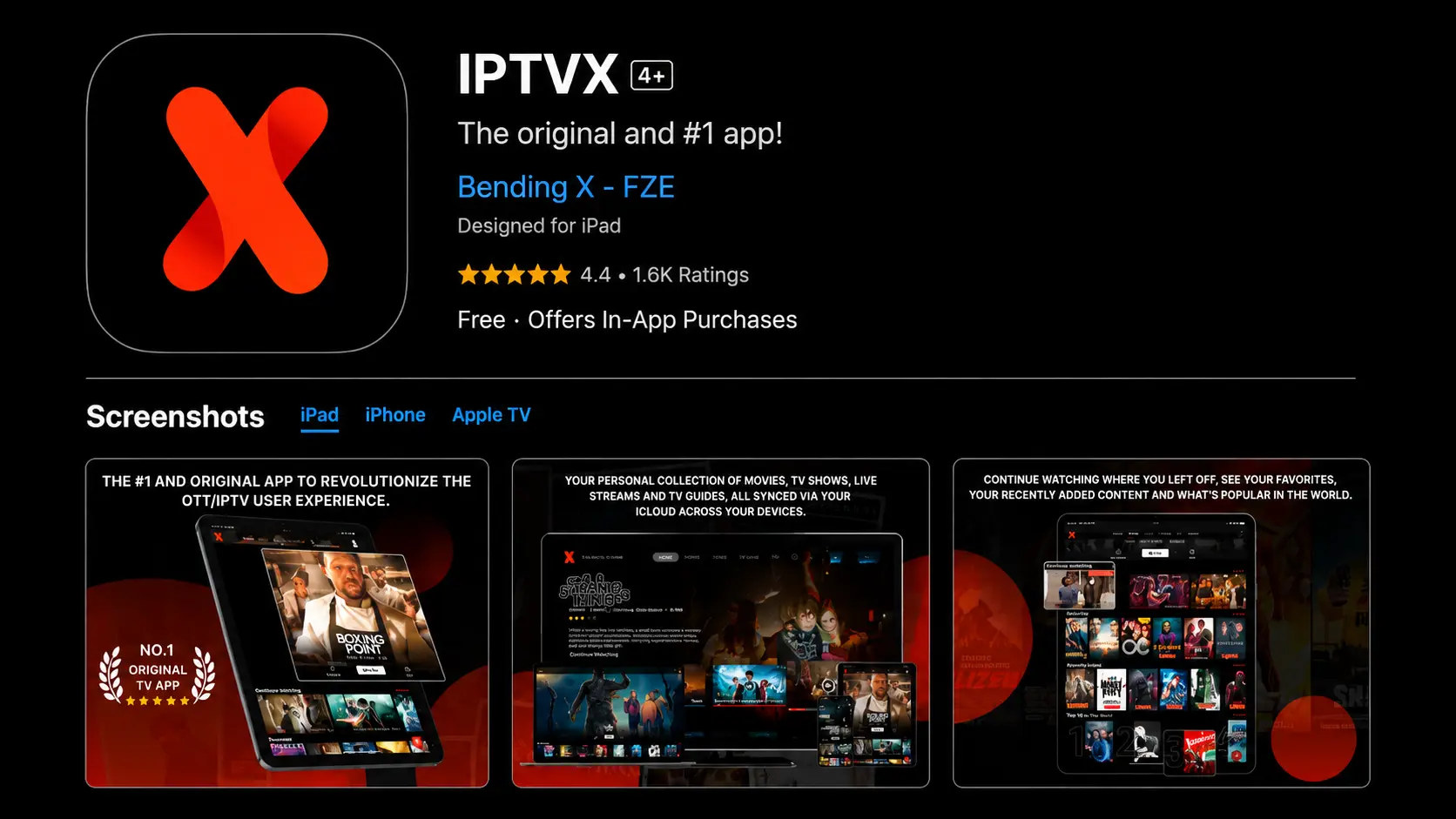
Add a playlist
Open IPTVX and choose Add playlist, then Xtream Codes.
Enter your TrendyScreen login
Type the server URL (with http:// and the port), your username and password, and save. Live TV, movies, series and the guide load together.
Turn on iCloud sync
In settings, enable sync so your playlist and favourites appear on your other Apple devices without typing the login again.
Why Apple users pick IPTVX
- Native design that follows Apple’s look on every screen size.
- Apple TV first: a full-screen guide made for the Siri Remote.
- Sync of playlists and favourites between devices.
- Catch-up and EPG from your Xtream login.
Other Apple options
GSE Smart IPTV is free to start; Smarters Player Lite is the Apple version of IPTV Smarters Pro. All of them are compared in IPTV on iPhone, iPad and Apple TV.
IPTVX questions
Is IPTVX free?
IPTVX is a paid app, with pricing set by the developer in the App Store. Many Apple users find it worth it for the interface and Apple TV experience.
Does IPTVX work on Apple TV?
Yes — Apple TV is where IPTVX shines, with a big-screen guide, fast channel switching and support for the Siri Remote.
Can I use IPTVX on a Mac?
Yes. IPTVX has a macOS version, so you can watch on your Mac with the same playlist.
IPTVX shows no channels after login. What should I check?
Check the server URL includes http:// and the port, and that the username and password have no extra spaces. Then pull to refresh the playlist.