
On this page
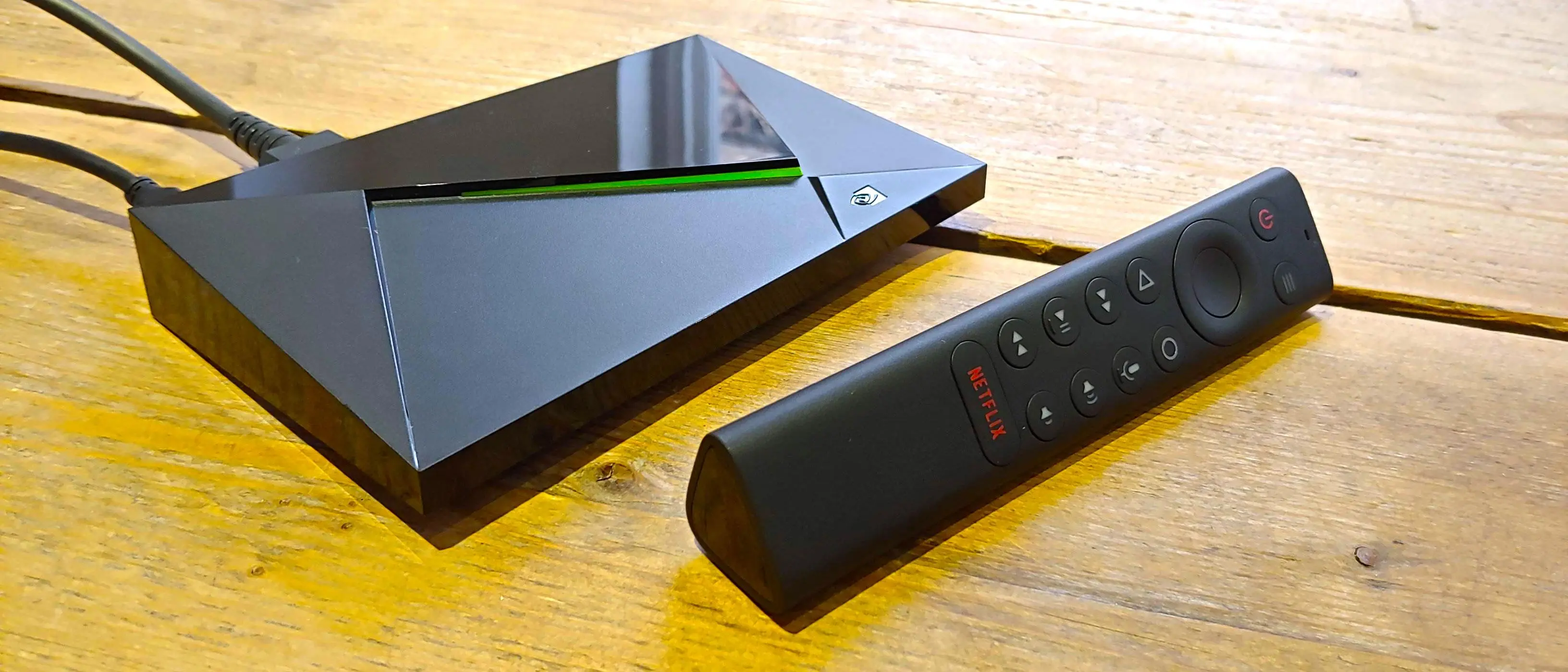
Quick answer: on NVIDIA Shield TV, open Google Play, install TiviMate, IPTV Smarters Pro or XCIPTV, choose the Xtream Codes login and enter your TrendyScreen username, password and server URL. Shield has Google Play built in, so no Downloader or sideloading is needed.
Best IPTV apps for NVIDIA Shield
- TiviMate — excellent TV-style guide, great for large channel lists (Premium unlocks VOD).
- IPTV Smarters Pro — free, simple, live TV + movies + series.
- XCIPTV — lightweight with a clean TV guide.
- IBO Player Pro — paid app with strong stability.
How to install IPTV on Shield TV
Open the Google Play Store
On the Shield TV home screen, open Google Play Store from the Apps row.
Install TiviMate, IPTV Smarters Pro or XCIPTV
Search for the app, select Install and wait for the download. No sideloading is needed on Shield.
Open the app and choose the Xtream Codes login
Smarters: Login with Xtream Codes API. TiviMate: Add playlist > Xtream Codes. XCIPTV: Xtream Codes.
Enter your TrendyScreen details
A profile name, your username, password and server URL exactly as in your activation message, then Add user / Next. The channel list loads in a minute.
Make sure the server URL includes http:// or https:// and the port, exactly as in your TrendyScreen activation message.
Why Shield is a great IPTV device
- Powerful hardware: 4K HDR streams and fast channel switching without lag.
- Google Play built in, so installing apps is simple.
- Gigabit Ethernet and strong Wi-Fi for a stable connection during live sport.
- Long-term software support from NVIDIA.
Comparing devices? See the best streaming devices for IPTV.
Troubleshooting
Channels not loading
- Check the internet connection and restart your router.
- Confirm your TrendyScreen subscription is active.
- Force-close and reopen the app (Settings > Apps > your app > Force stop).
Authorization failed
- Double-check the username, password and server URL.
- Turn off any VPN and try again.
- Still failing? Fix “Failed to Authorize”.
NVIDIA Shield questions
Is NVIDIA Shield worth it for IPTV?
If you watch a lot of live sport or 4K, yes. It is the most powerful Android TV box: channels switch fast, big playlists stay smooth, and the Gigabit Ethernet port removes most Wi-Fi buffering.
Which app is best on Shield TV?
TiviMate is the favourite on Shield for its TV guide and speed; IPTV Smarters Pro is simpler and free. Both are on Google Play.
Should I turn on AI upscaling?
On the Shield TV Pro and the 2019 Shield TV, AI-enhanced upscaling makes HD channels look sharper on a 4K TV. If you notice artefacts on fast sport, lower the detail level or switch from AI-Enhanced to Enhanced.
Can I use the same login on my phone?
Yes. Add it to both and watch on one device at a time.