
On this page
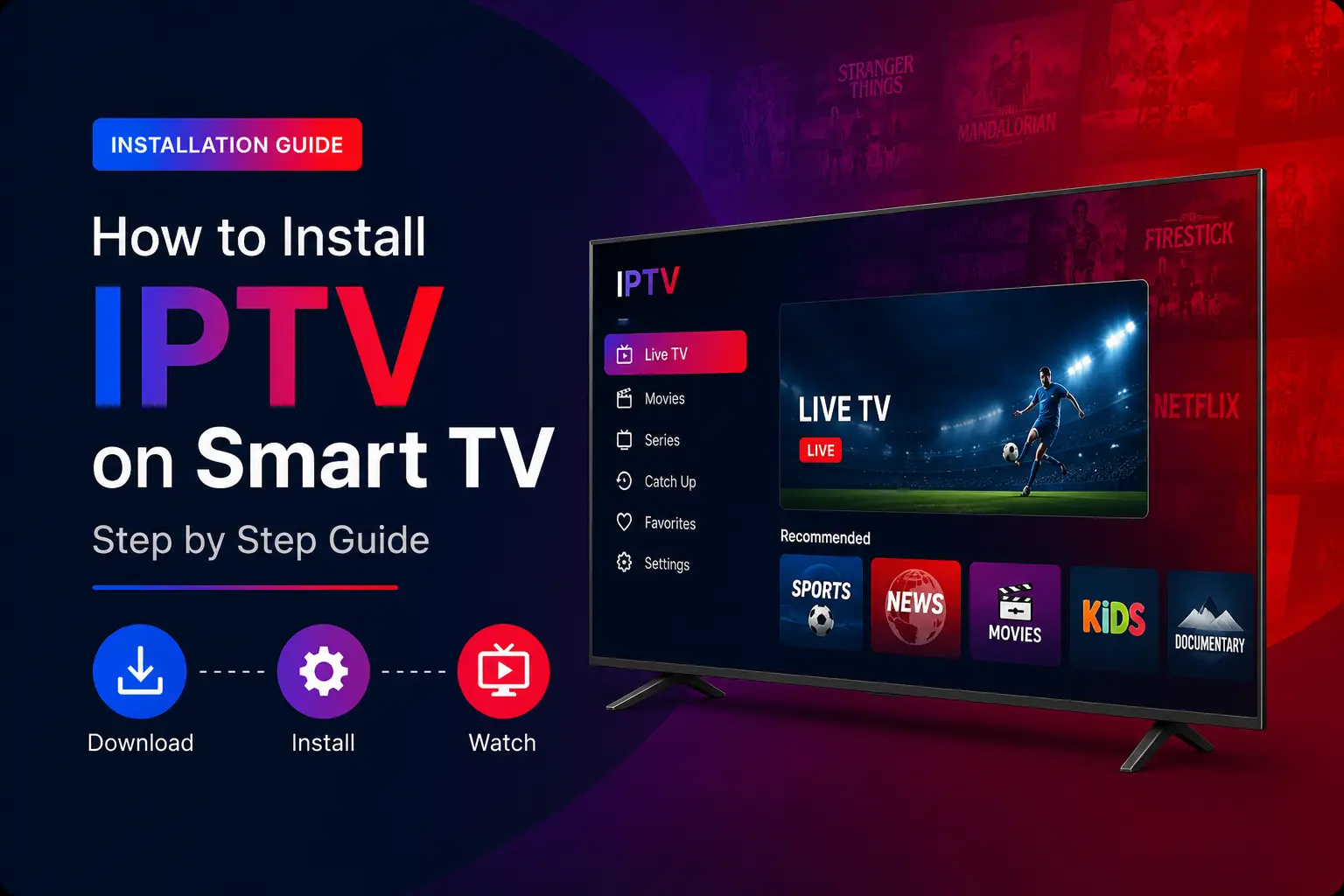
Quick answer: open your TV’s app store, install IPTV Smarters Pro, choose Login with Xtream Codes API and enter your TrendyScreen username, password and server URL. If Smarters is not available on your TV, install a MAC-address app such as IBO Player Pro or HOT IPTV and add your M3U link on its website.
Which IPTV app to install on your Smart TV
Samsung (Tizen) and LG (webOS) TVs cannot install apps from outside their own stores, so the choice of app matters more than on a Firestick:
| App | Price | How you log in | Good for |
|---|---|---|---|
| IPTV Smarters Pro | Free | Xtream Codes (username, password, URL) | Easiest setup; can lag on some TVs |
| HOT IPTV | Trial, then paid | MAC address + playlist upload | Smooth, modern interface |
| IBO Player / IBO Player Pro | Trial, then paid | MAC address + playlist upload | Stability on Samsung and LG |
| Smart One, Duplex, Net IPTV, SS IPTV, Smart IPTV | Varies | Mostly MAC address or playlist URL | Older TV models |
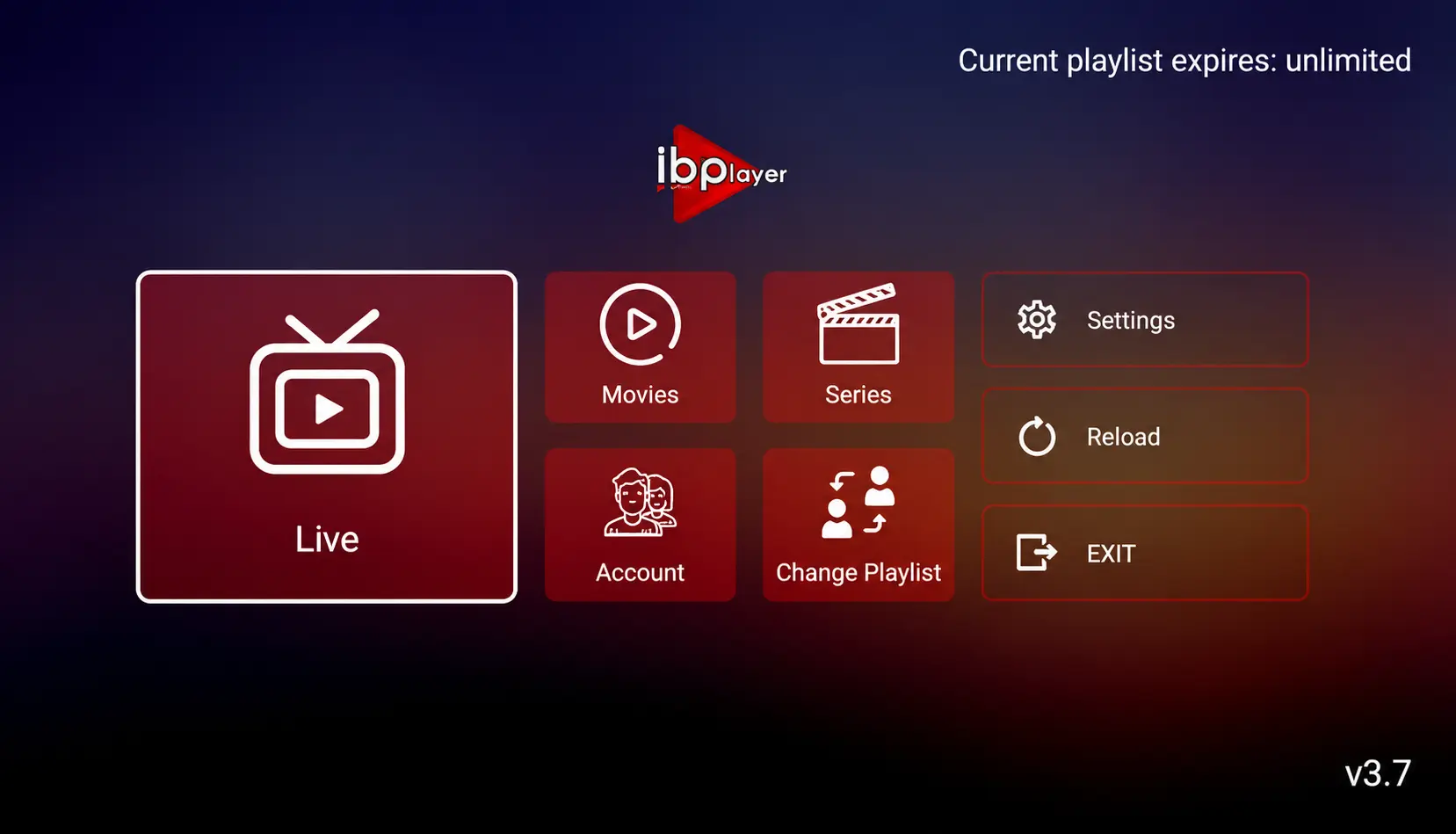
Older apps can run out of memory with a very large playlist and close by themselves. If that happens, ask us for a lighter playlist or use a newer app.
Option 1: IPTV Smarters Pro (free)
Open your TV’s app store
On Samsung it is Apps; on LG it is the LG Content Store (Apps).
Search for IPTV Smarters Pro and install it
If it is not available on your model or in your country, use one of the MAC-address apps in the next section instead.
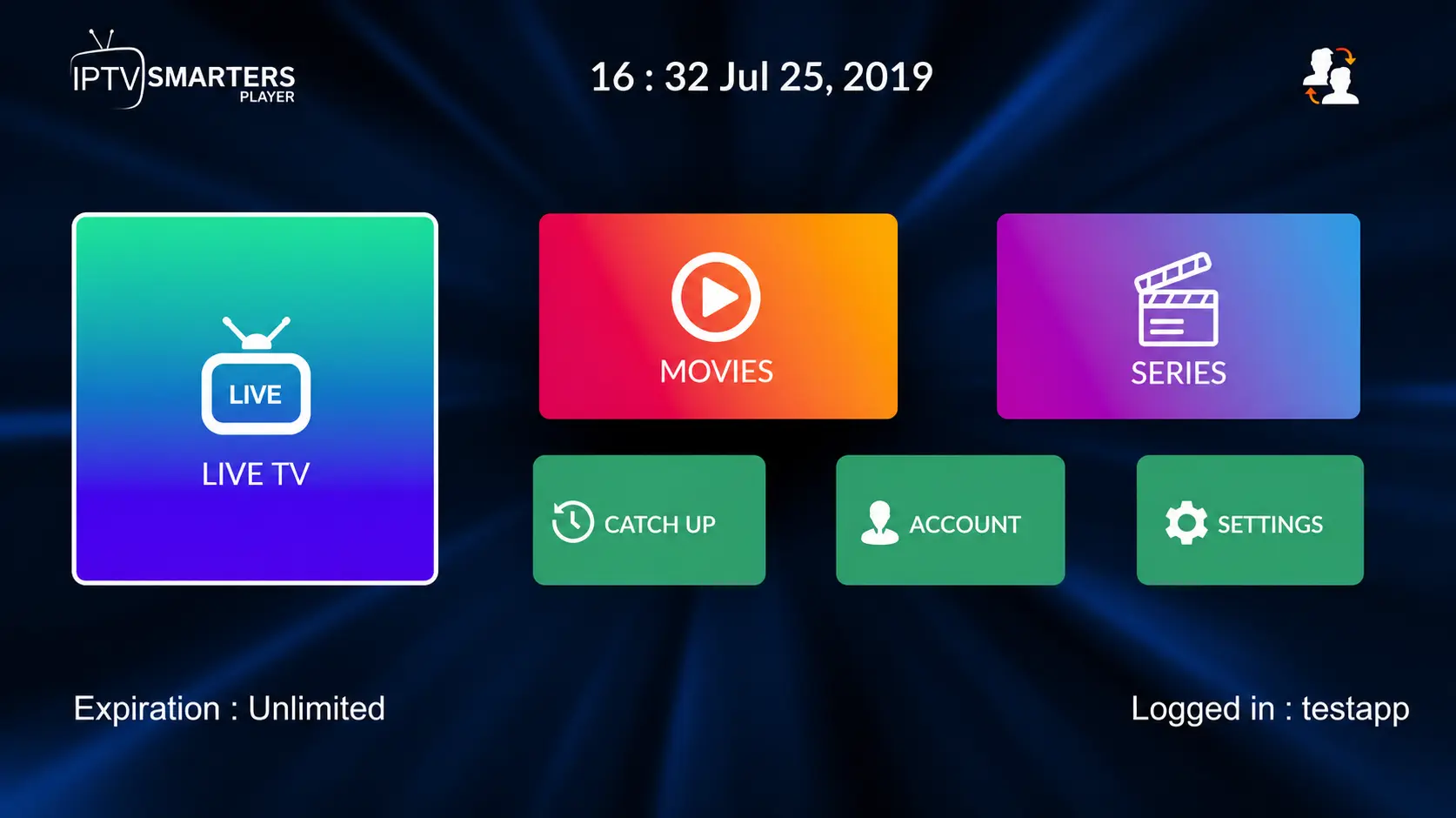
Choose “Login with Xtream Codes API”
Open the app and pick the Xtream Codes login.
Enter your TrendyScreen details and select Add user
- First box: any profile name.
- Second box: your username.
- Third box: your password.
- Fourth box: the server URL, starting with
http://orhttps://.
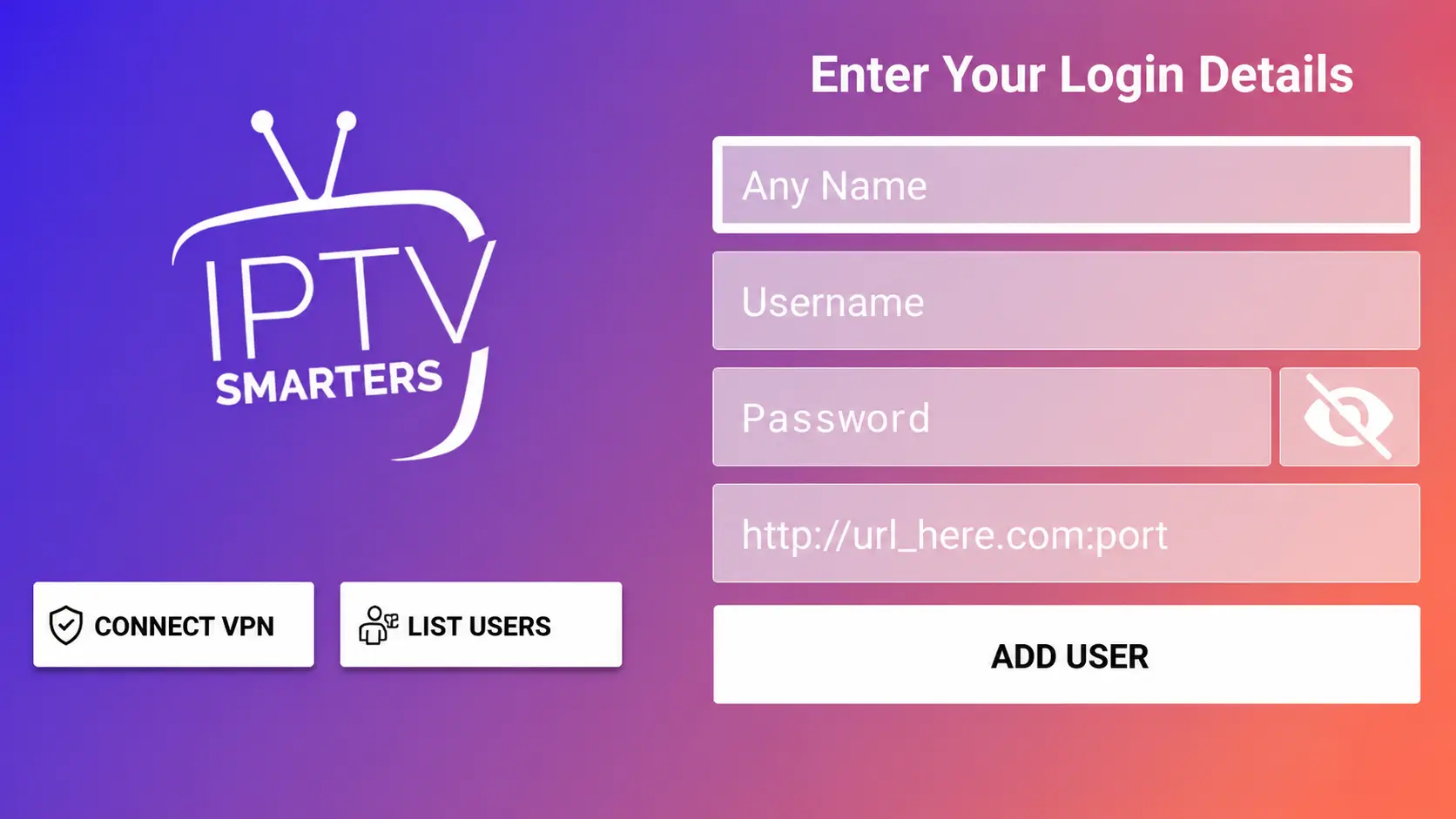
Channels, movies and series download in a minute or two. If you see “Failed to Authorize”, jump to the troubleshooting section below.
Option 2: A MAC-address app (HOT IPTV, IBO Player Pro)
Paid Smart TV players usually have no login screen. You link your TrendyScreen playlist to the app’s MAC address on the app’s website, and the TV picks it up automatically.
Install the app and note its MAC address
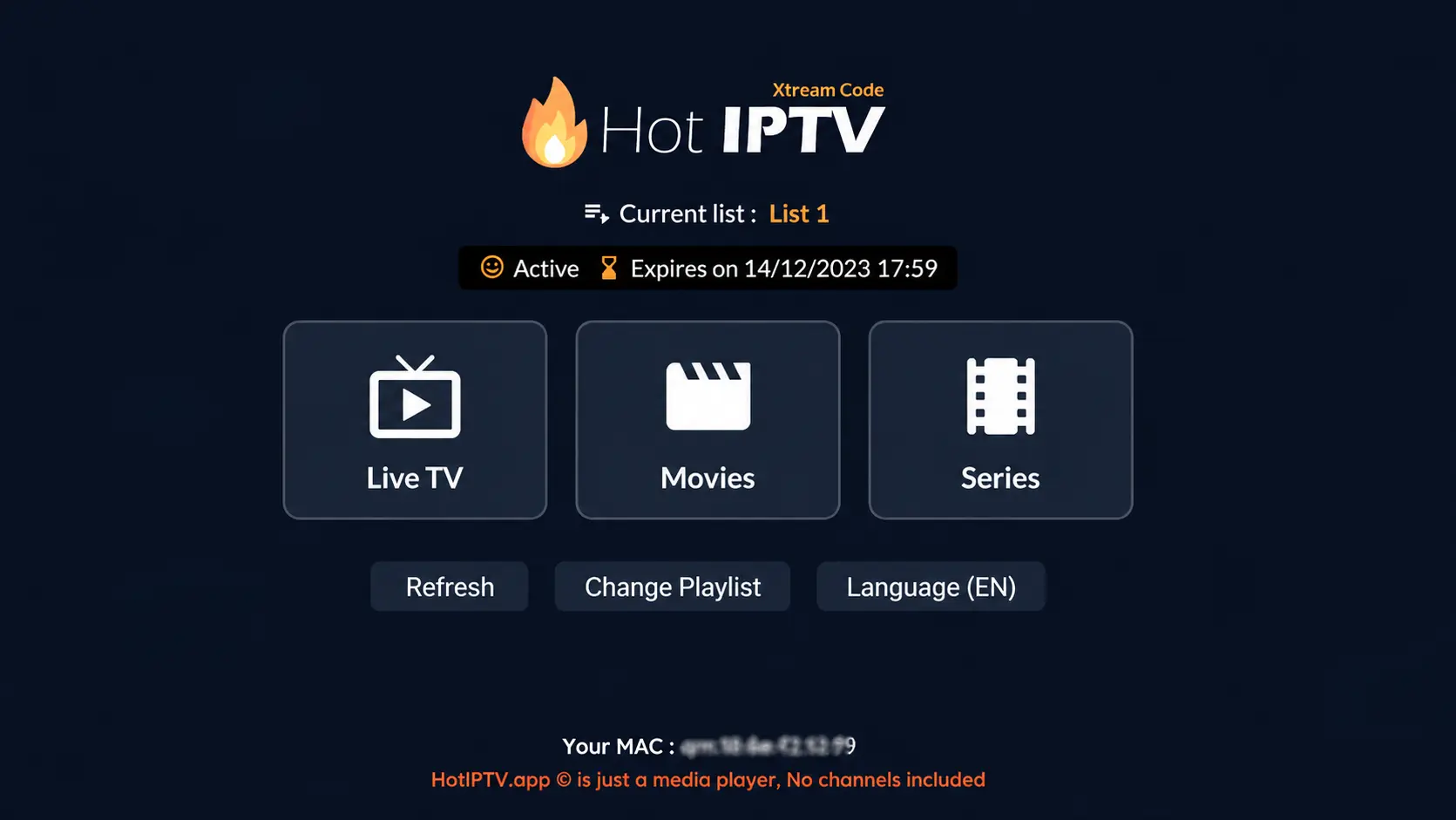
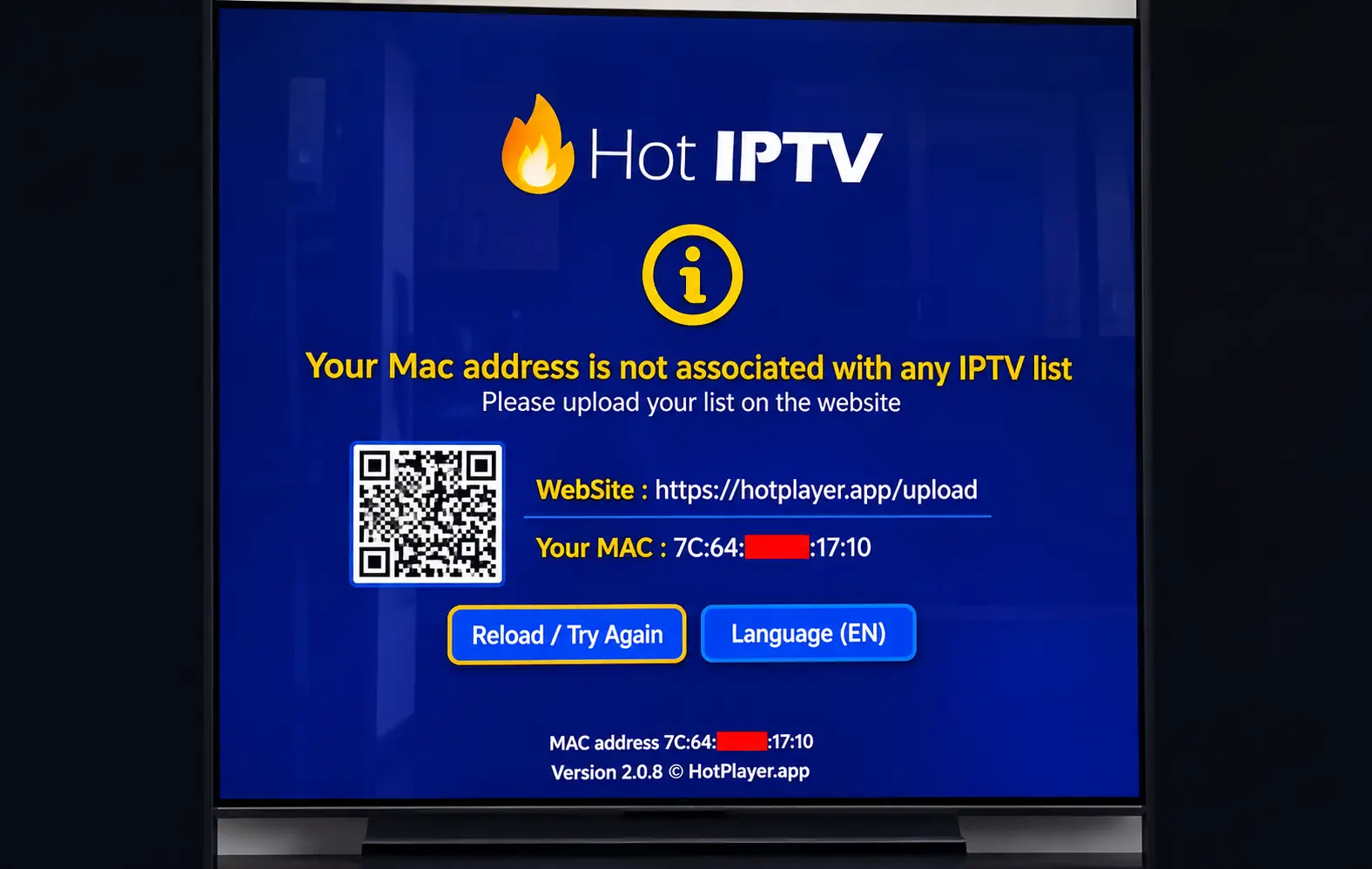
Install HOT IPTV, IBO Player Pro or another MAC-based player from your TV’s store and open it. It shows a MAC address (and sometimes a device key).
Open the app’s website on your phone or computer
The address of the upload page is shown inside the app. Enter the MAC address (and device key if asked).
Add your M3U link
Paste the M3U link from your TrendyScreen activation message and save. Some apps also accept the Xtream Codes username, password and server URL.
Restart the app on the TV
Close and reopen the app: your channels load. Prefer not to do it yourself? Send us the app name and MAC address on WhatsApp and we add the playlist for you.
About app activation
HOT IPTV and IBO Player Pro each include a free trial period, then need a one-time activation paid to the app developer. This is separate from your TrendyScreen subscription.
Samsung, LG or another brand?
- Samsung (Tizen): use Apps > search. IPTV Smarters Pro, HOT IPTV, IBO Player and Smart IPTV are the usual choices.
- LG (webOS): use the LG Content Store. The same apps are available on most recent models.
- Sony, TCL, Hisense, Philips with Google TV or Android TV: follow the Android TV guide — you get Google Play and apps like TiviMate.
- Roku TVs: Roku has no IPTV Smarters app; see how to watch IPTV on Roku.
Troubleshooting
Channels not loading
- Check the TV’s internet connection (Settings > Network).
- Restart the TV and the IPTV app.
- Check your playlist link or login details for typos.
- Use an Ethernet cable if the TV has a port — TV Wi-Fi is often weak.
“Authorization failed”
- Retype the username and password.
- Make sure the server URL is complete, with
http://and the port. - Turn off any VPN on your router and try again.
Still stuck? Read IPTV not working: full checklist or message us on WhatsApp.
Smart TV IPTV questions
What is the best IPTV app for Samsung and LG TVs?
IPTV Smarters Pro is the best free option where it is available. For a smoother, more stable experience, HOT IPTV and IBO Player Pro are strong paid choices on both Samsung and LG.
Is IPTV Smarters Pro available on LG TVs?
On many recent LG (webOS) and Samsung (Tizen) models, yes — but availability depends on the TV model and country. If you cannot find it, use a MAC-based app like IBO Player Pro or HOT IPTV.
Why do Smart TV IPTV apps ask for a MAC address?
Apps like IBO Player and HOT IPTV do not have a login screen. Instead, you link your playlist to the app’s MAC address on its website, and the TV downloads it when the app opens.
My TV is a Sony, TCL or Hisense with Google TV. Which guide do I follow?
Those TVs run Android TV / Google TV, so follow the Android TV guide — you get the full choice of apps from Google Play, including TiviMate.
My older Smart TV crashes with big playlists. What can I do?
Older TVs have little memory. Try a lighter app such as Smart IPTV or SS IPTV, or plug in a Firestick or Android TV box for a much better experience — see the best streaming devices for IPTV.