
Quick answer: install HOT IPTV, photograph the MAC address and device key on its start screen, send them to us on WhatsApp (or upload your playlist on the HOT IPTV website), and restart the app.
Set up HOT IPTV
Install HOT IPTV
Find HOT IPTV (also called Hot Player) in your Samsung, LG or Android TV app store and install it.
Note the MAC address and device key
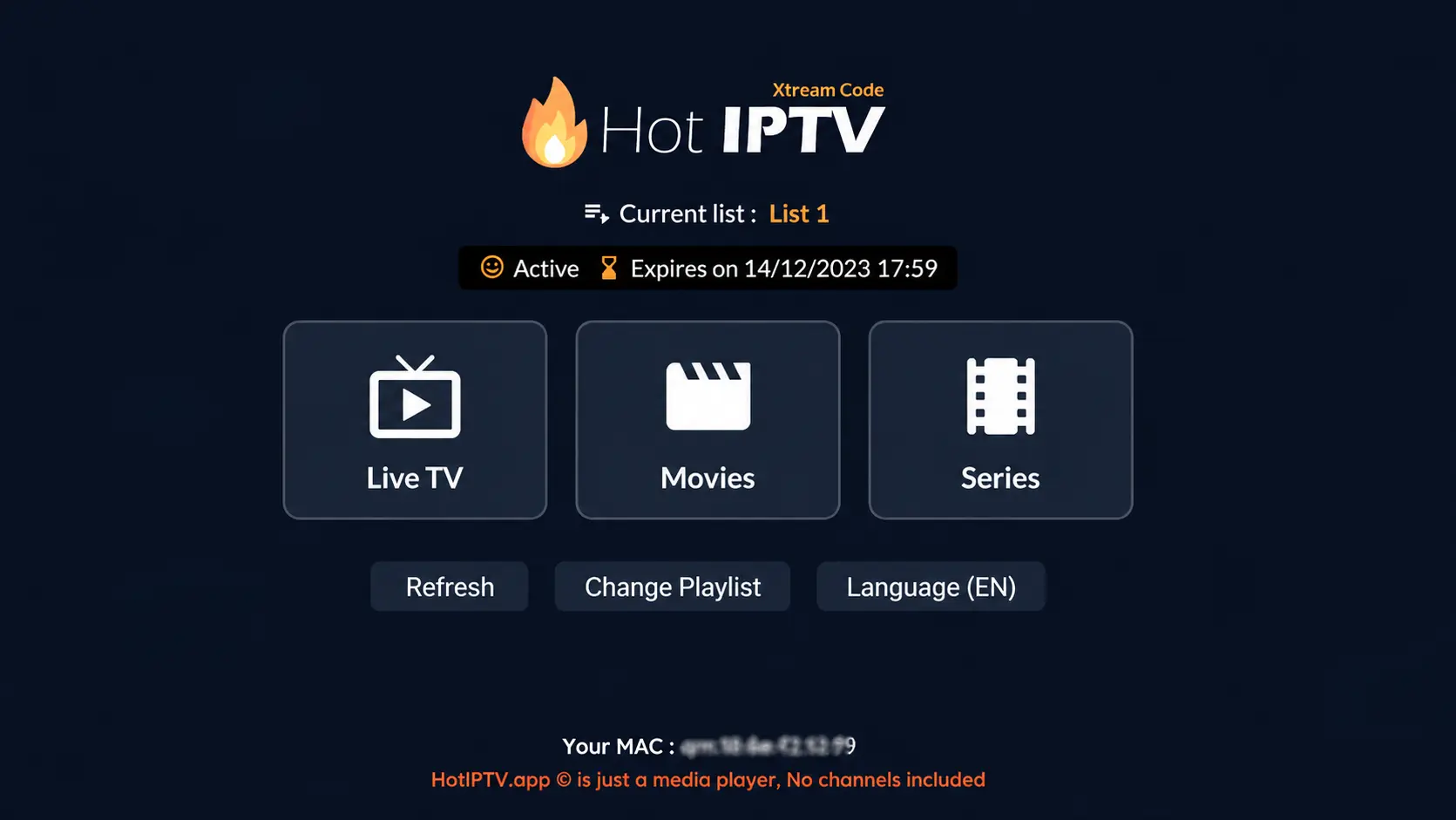
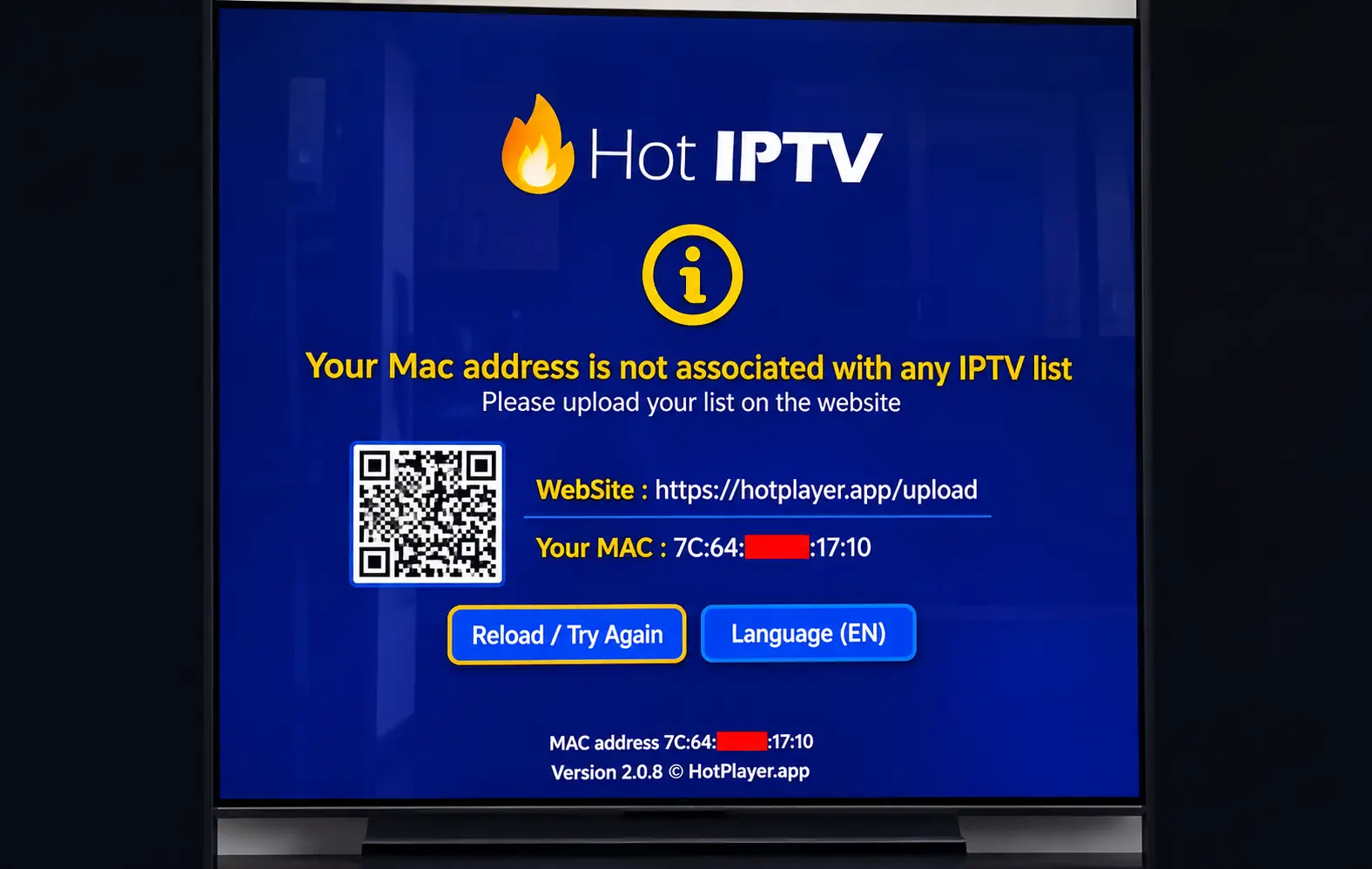
Open the app. The start screen shows a MAC address and, on most versions, a device key. Take a photo of the screen.
Send them to us — or upload your playlist
Send the MAC and key on WhatsApp and we link your TrendyScreen playlist. Or upload it yourself on the official HOT IPTV website: enter the MAC and key, then paste the playlist link we sent.
Restart the app
Close HOT IPTV and open it again. Your channels appear, grouped by country.
Why choose HOT IPTV
- No typing on the TV: the playlist is added from the website.
- Clear interface with live TV, movies and series.
- Available on Samsung as well as LG and Android TV.
Common HOT IPTV problems
| Problem | Fix |
|---|---|
| Playlist not found | Check the MAC and device key on the website, then restart the app. |
| Activation expired | Renew the activation on the HOT IPTV website with the same MAC. |
| Channels freeze | Use Ethernet or move the router closer; see buffering fixes. |
| Some channels black | Change the player or stream setting in the app, or tell us the channel name. |
Other Smart TV players: SmartOne IPTV, Smart IPTV and SS IPTV. Full TV setup in IPTV on Samsung and LG.
HOT IPTV questions
Is HOT IPTV free?
HOT IPTV has a trial period and then needs an activation, paid to the app developer on its website. The fee is separate from your TrendyScreen plan.
Where is the MAC address in HOT IPTV?
On the app’s start screen, or under Settings > Device info if you already added a playlist.
HOT IPTV shows “playlist not found”. Why?
The MAC or device key on the website does not match the TV, or the app was not restarted. Check both and restart. If it still fails, send us a photo of the screen.
Can I move HOT IPTV to a new TV?
The activation is linked to the TV’s MAC address. A new TV has a new MAC, so the app must be set up and activated again on it.