
On this page
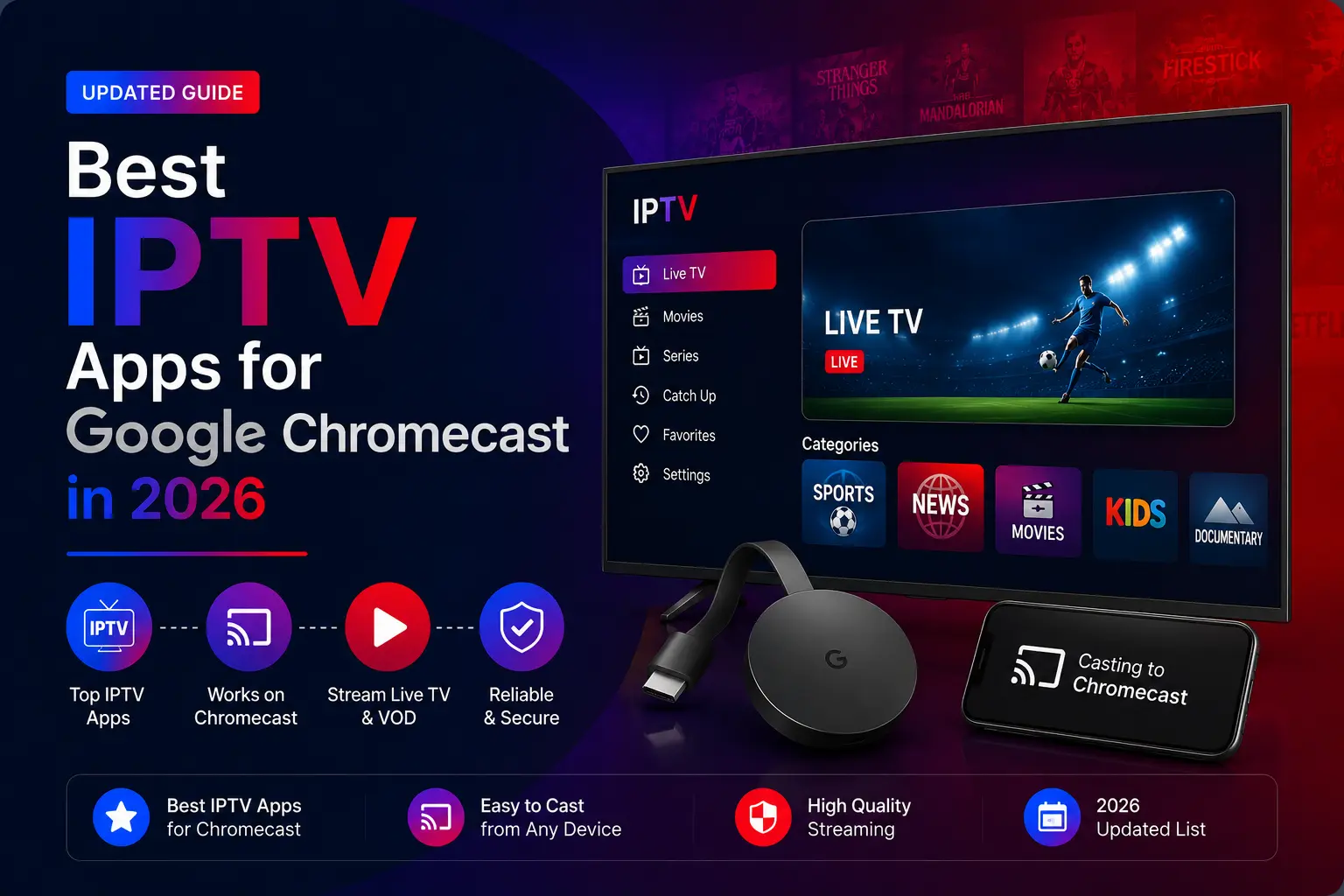
Quick answer: on Chromecast with Google TV, go to Apps, install TiviMate (or IPTV Smarters Pro, Sparkle TV or PVR Live), add a playlist with Xtream Codes and enter your TrendyScreen server address, username and password. The older Chromecast without a remote cannot install apps.
Best IPTV apps for Chromecast and Google TV
TiviMate IPTV Player
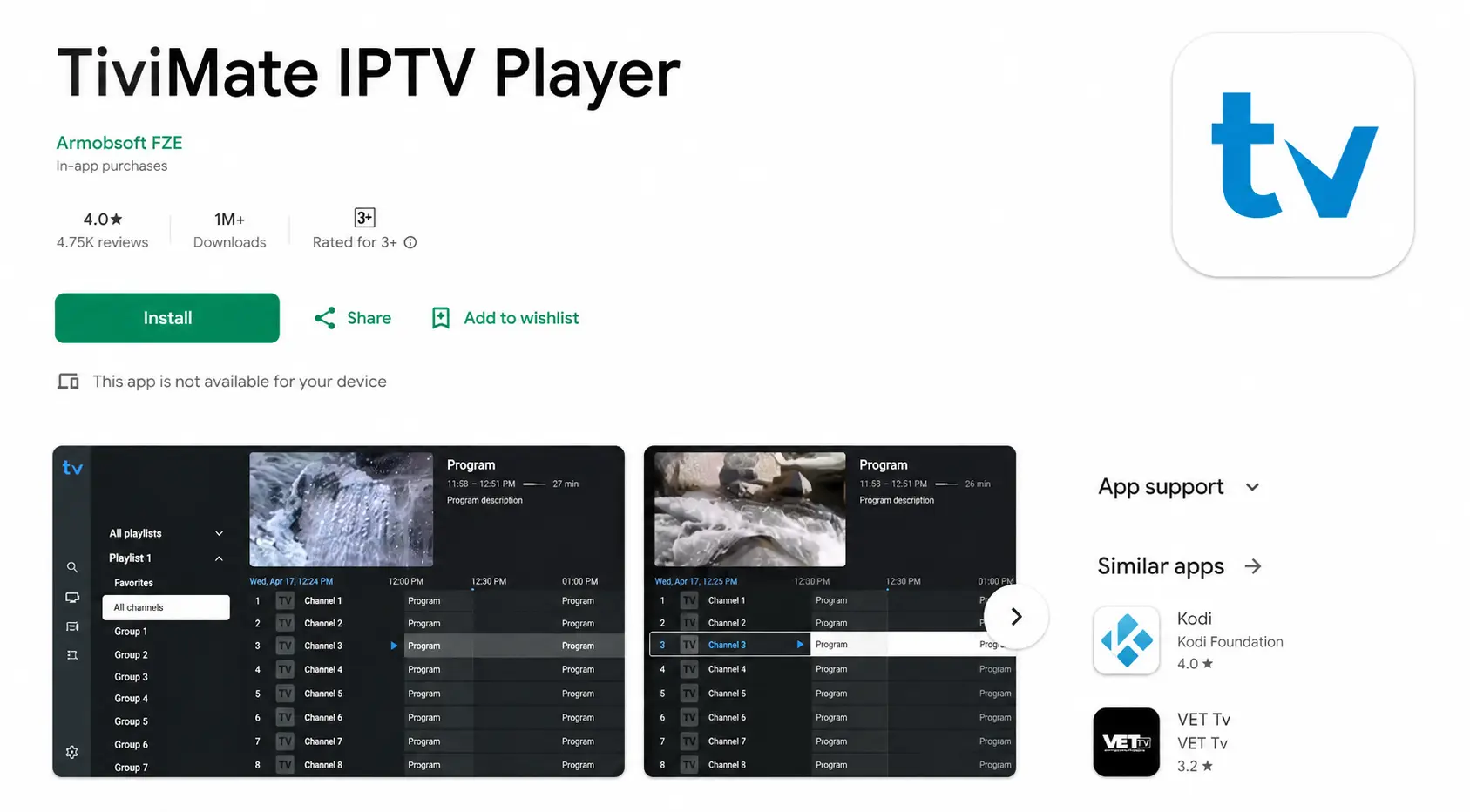
TiviMate is one of the most popular IPTV apps on Google TV and Android TV: a modern, TV-friendly layout, a fast TV guide, favourites, catch-up and search. It is designed for TVs rather than phones. Live TV is free; movies, series and advanced features need TiviMate Premium.
IPTV Smarters Pro
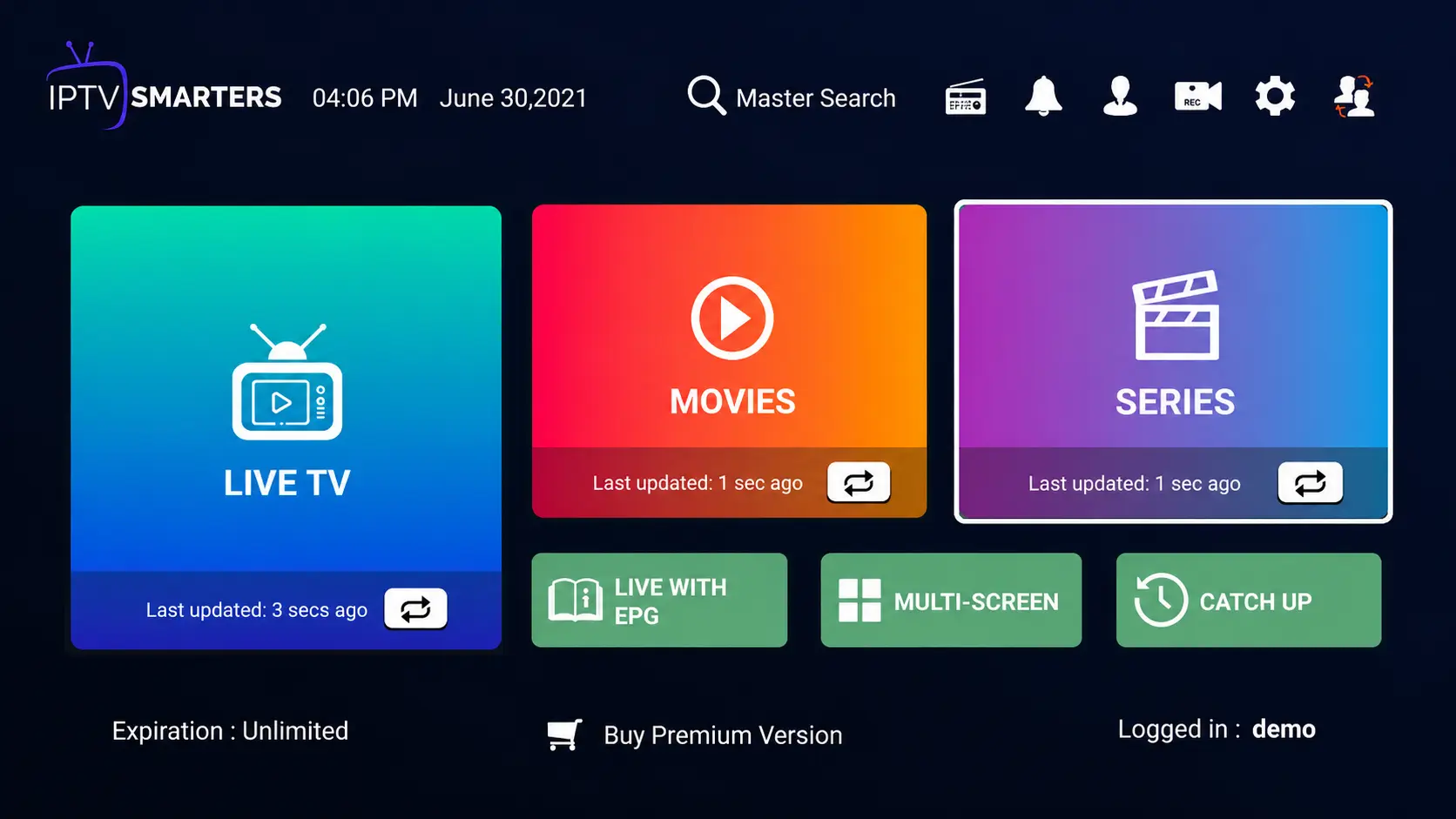
The easiest to set up: live TV, movies, series, catch-up and parental controls, with the Xtream Codes login. It is not always listed on Google Play for every device — if not, install it with Downloader (code 78522).
Sparkle TV — IPTV Player
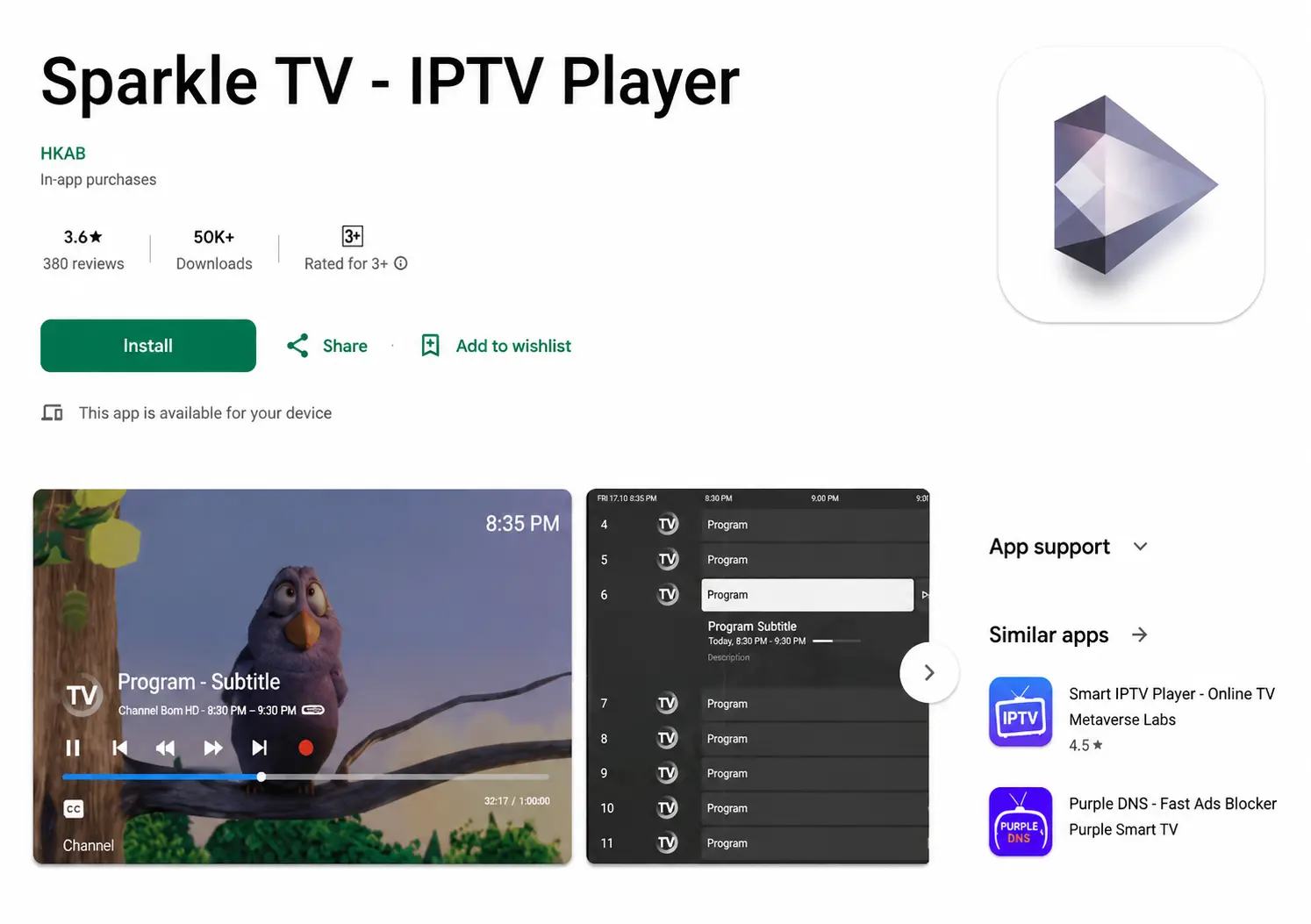
Sparkle TV lets you organise channels your way: custom categories, favourites and channel numbers, with good stability on Google TV.
PVR Live
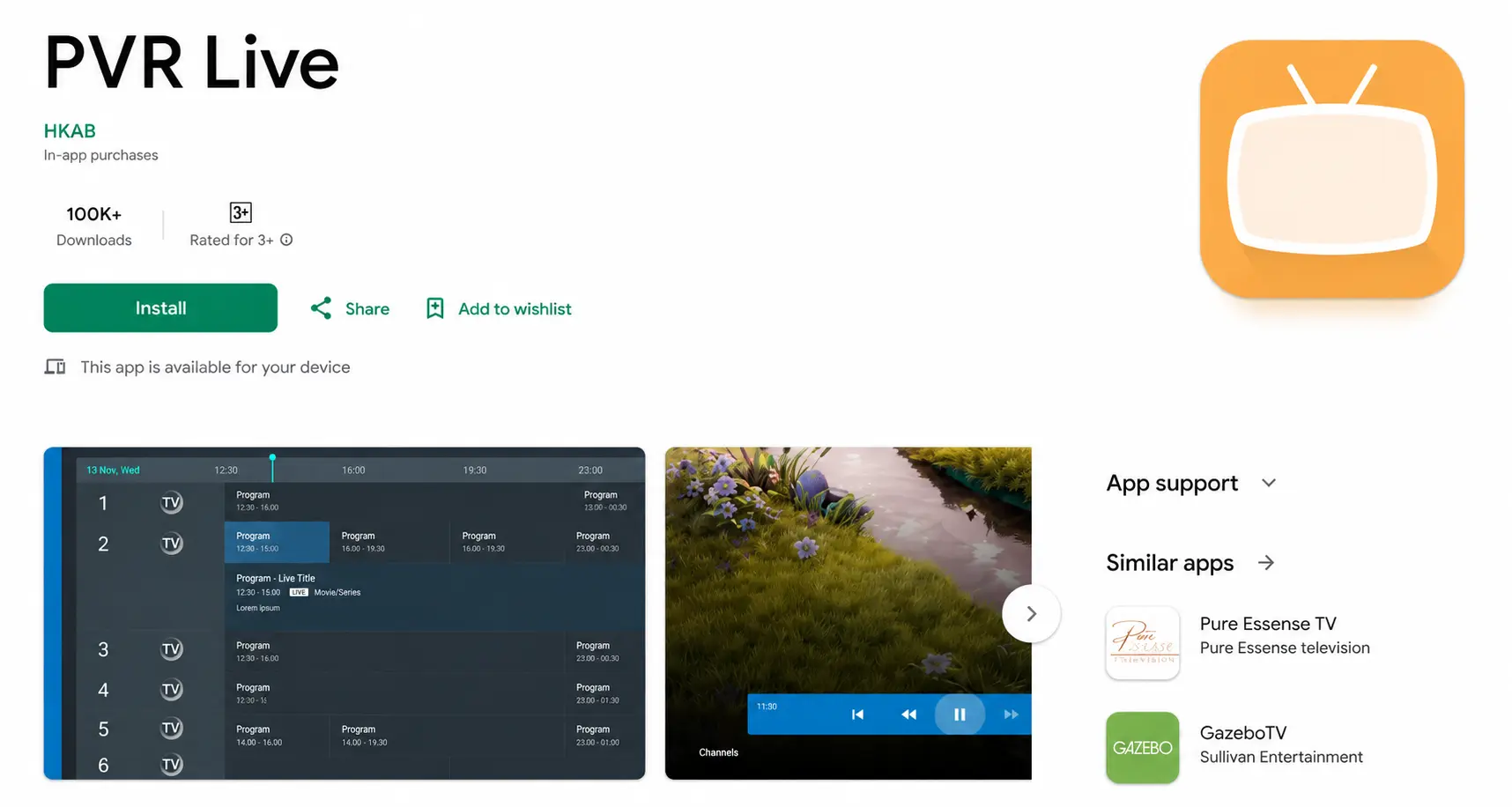
PVR Live adds DVR recording and timeshift to live TV, with a guide that shows images and logos. It supports M3U playlists, Xtream Codes, Stalker portals and Enigma2 receivers.
| App | Price | Best for |
|---|---|---|
| TiviMate | Free / Premium | The best TV guide, big channel lists |
| IPTV Smarters Pro | Free | Simplest setup, live TV + VOD |
| Sparkle TV | Free / paid | Organising channels and favourites |
| PVR Live | Free / paid | Recording and timeshift |
How to set up TiviMate on Google TV
Open Apps and search Google Play
On the Google TV home screen, go to Apps and select Search for apps.
Install TiviMate (or another player below)
Search TiviMate, Sparkle TV or PVR Live and install it. For IPTV Smarters Pro, if it is not listed, use the Downloader method from the Android guide.
Add your TrendyScreen playlist
In TiviMate: Add playlist > Xtream Codes. Enter the server address, username and password from your activation message.
Let the channel list and guide load
Select Next, name the playlist and select Done. The TV guide fills in within a minute or two.
Our recommendation
For most Chromecast with Google TV users, TiviMate gives the best experience for live TV; IPTV Smarters Pro is the easiest if you also want movies and series without paying for Premium. Compare every player in our IPTV apps guide.
Troubleshooting
- Login refused: check the server address, username and password, and turn off any VPN — see Failed to Authorize.
- Buffering: Chromecast Wi-Fi can struggle far from the router; an Ethernet adapter helps. More in IPTV buffering fixes.
- Storage full: clear the app cache in Settings > Apps.
Chromecast and Google TV questions
What is the best IPTV app for Google TV?
TiviMate is the best overall on Google TV for its guide and speed. IPTV Smarters Pro is the easiest free option; Sparkle TV and PVR Live are strong alternatives, and PVR Live adds recording.
Does IPTV work on the old Chromecast (the one without a remote)?
The older Chromecast cannot install apps. You can cast from an IPTV app on your phone if the app supports casting, but for daily use a Chromecast with Google TV, a Google TV Streamer or a Firestick is far better.
Is Chromecast with Google TV powerful enough for 4K IPTV?
The 4K model handles 4K streams well. Keep storage free and use a USB-C hub with Ethernet if your Wi-Fi is weak.
Can I use the same login on my phone?
Yes. Add it to both and watch on one device at a time.