
On this page
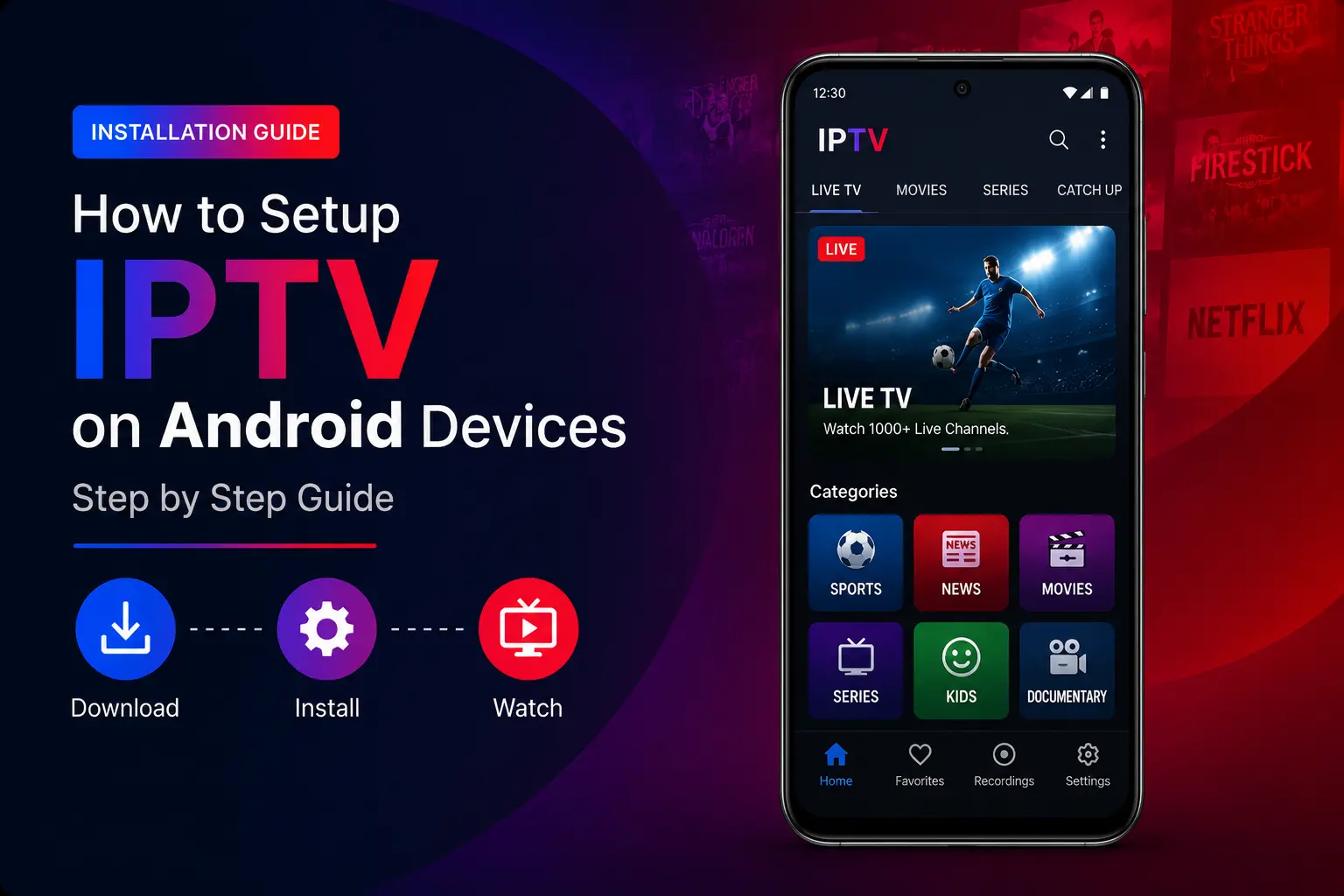
Quick answer: on any Android device, install XCIPTV, TiviMate or IBO Player Pro from Google Play, choose the Xtream Codes login and enter your TrendyScreen username, password and server URL. To use IPTV Smarters Pro when it is not on Google Play, install it with the Downloader app and code 78522.
Best IPTV players for Android
| App | Price | Best on | Why pick it |
|---|---|---|---|
| IPTV Smarters Pro | Free | TV, box, phone | Simple, live TV + VOD + EPG in one |
| XCIPTV | Free | TV, box, phone | Light and fast, good TV guide |
| TiviMate | Free / Premium | Android TV, boxes | Best TV-style guide for big channel lists |
| IBO Player Pro | 7-day trial, then paid | TV, box | Very stable, MAC-based setup |
TiviMate is designed for TVs and remote controls. On a phone, IPTV Smarters Pro or XCIPTV are more comfortable.
Option 1: Install an IPTV app from Google Play
Open Google Play
On Android TV and Google TV it is in the Apps row; on a phone it is the Play Store icon.
Search for XCIPTV, TiviMate or IBO Player Pro
Install the one you want (see the table above for the differences).
Open the app and choose the Xtream Codes login
It may be called “Xtream Codes API”, “Xtream Codes” or “XC”.
Enter your TrendyScreen username, password and server URL
Add a profile name if asked, then confirm. Channels, movies and series load automatically.
Option 2: Install IPTV Smarters Pro with Downloader
Use this when IPTV Smarters Pro does not appear on Google Play for your device.
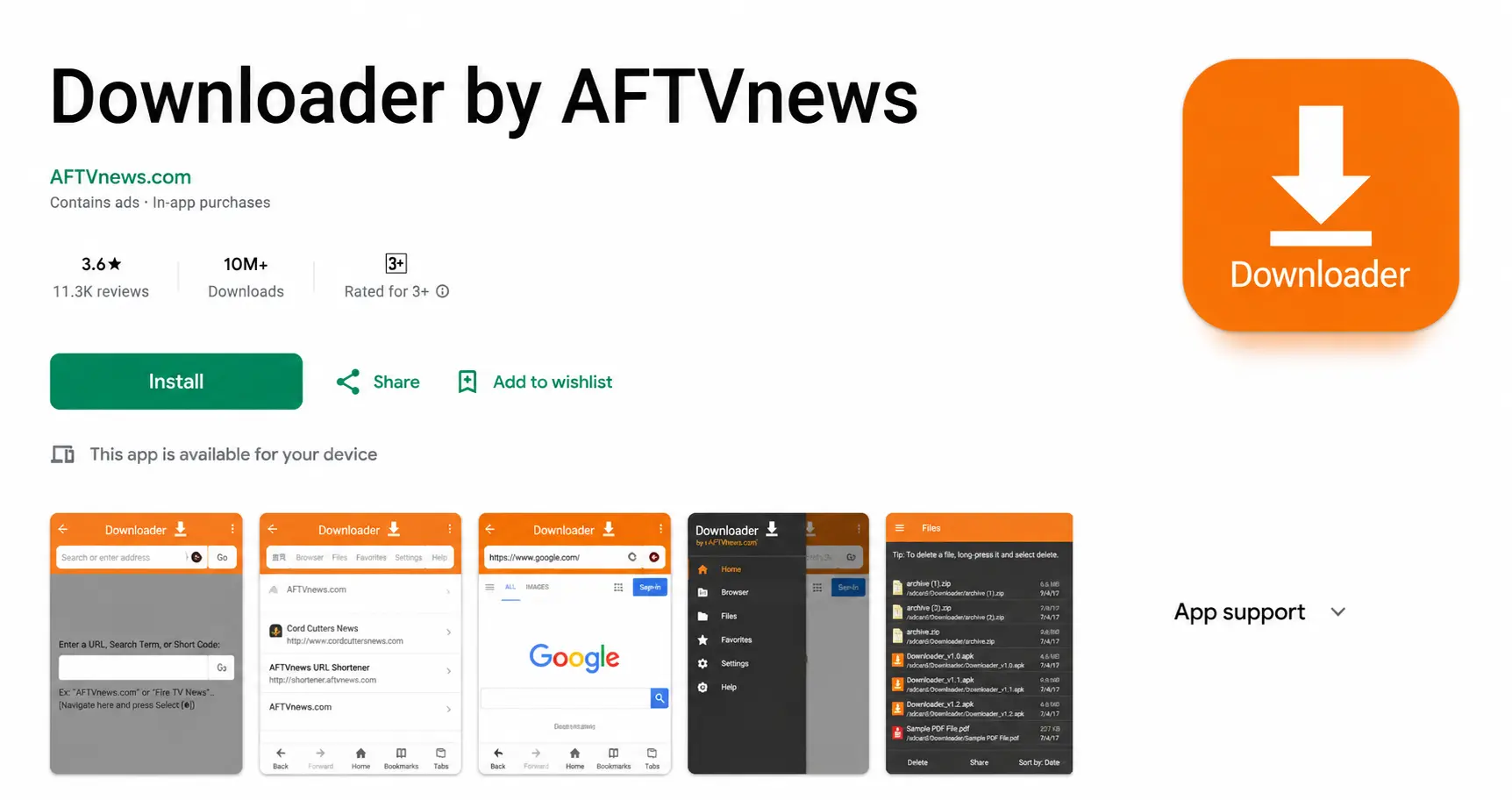
Install “Downloader by AFTVnews” from Google Play
Search Downloader in Google Play and install it.
Allow Downloader to install apps
Open Settings > Apps (or Device Preferences > Security & restrictions on Android TV) > Unknown sources / Install unknown apps, and switch it on for Downloader.
Open Downloader and enter the code 78522
Type the code in the URL box and select Go.
IPTV Smarters Pro — Downloader code78522Install IPTV Smarters Pro
When the download finishes, select Install, then Done. Delete the installer file when Downloader offers to.
Log in with Xtream Codes API
Open IPTV Smarters Pro, choose Login with Xtream Codes API and enter a profile name, your username, password and server URL. Select Add user.
On an Android phone or tablet
The process is the same, with a touch screen instead of a remote:
- Install XCIPTV or IPTV Smarters Pro from the Play Store.
- Open the app and select the Xtream Codes login.
- Enter your TrendyScreen details and wait for the channels to load.
On a phone, lower the stream quality when you are on mobile data — HD uses far less data than 4K.
Tips for Android TV boxes
- Connect the box with an Ethernet cable if it has a port.
- Keep at least 1 GB of storage free, and clear the IPTV app’s cache now and then (Settings > Apps > your app > Clear cache).
- Turn off automatic updates of apps you do not use; background updates can cause stutters during live sport.
Troubleshooting
“Authorization failed”
- Incorrect username or password — retype them, they are case-sensitive.
- Wrong server URL — it must start with
http://and include the port. - Expired subscription — check your plan end date.
- VPN — turn it off and try again.
Full list of causes: how to fix Failed to Authorize. Buffering instead? See IPTV buffering fixes.
Android IPTV questions
What is the best IPTV app for Android?
For Android TV and boxes, TiviMate has the best TV-style guide, and IPTV Smarters Pro is the easiest all-rounder. On phones, IPTV Smarters Pro and XCIPTV are the simplest. Compare them in our IPTV apps guide.
Is TiviMate free?
TiviMate is free for live TV. Movies, series, catch-up and some advanced features need TiviMate Premium, a subscription paid to the app developer.
Why can’t I find IPTV Smarters Pro on Google Play?
It is not listed on every device or in every country. Use the Downloader method in this guide (code 78522) to install it anyway.
Which Android TV box is best for IPTV?
A box with at least 2 GB of RAM and an Ethernet port. The NVIDIA Shield TV and Formuler Z11 Pro Max are the strongest; recent Google TV sticks work well too. See the streaming device guide.
Can I watch on my Android phone and TV with one subscription?
Yes. Add the same login to both, and watch on one at a time.