
On this page
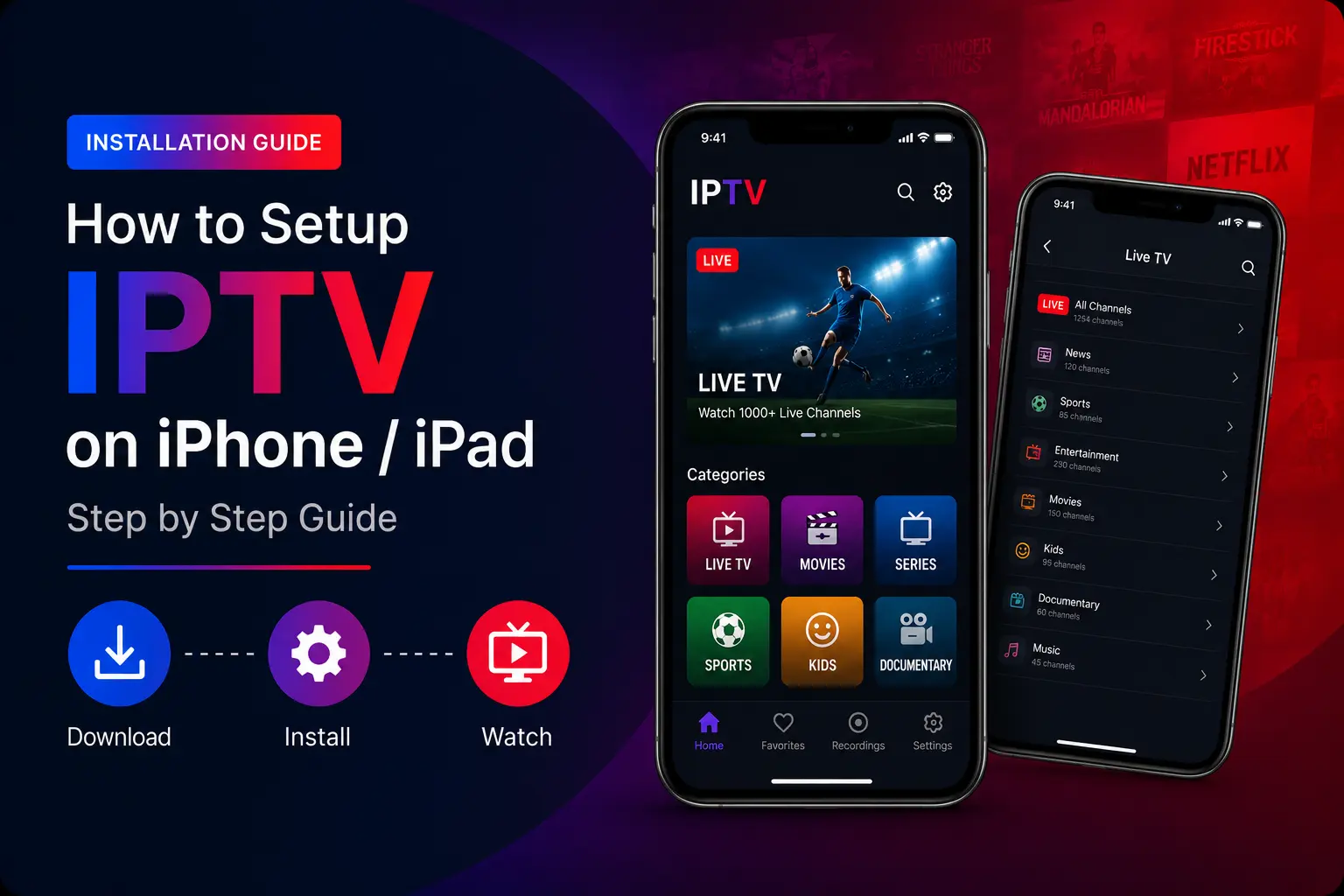
Quick answer: install Smarters Player Lite (free) or IPTVX from the App Store on your iPhone, iPad or Apple TV, choose Login with Xtream Codes API, and enter your TrendyScreen username, password and server URL. Tap Add user and your channels load.
Best IPTV apps for iPhone, iPad and Apple TV
| App | Price | Why pick it |
|---|---|---|
| Smarters Player Lite | Free | Easiest setup; live TV, movies and series |
| IPTVX | Paid (premium app) | Most polished interface, smooth playback, multiple playlists and EPG |
| TiviMax | Free with premium options | TiviMate-style layout, catch-up, parental controls |
Set up Smarters Player Lite (free)
Download Smarters Player Lite from the App Store
Search Smarters Player Lite on your iPhone, iPad or Apple TV and install it. It is free.
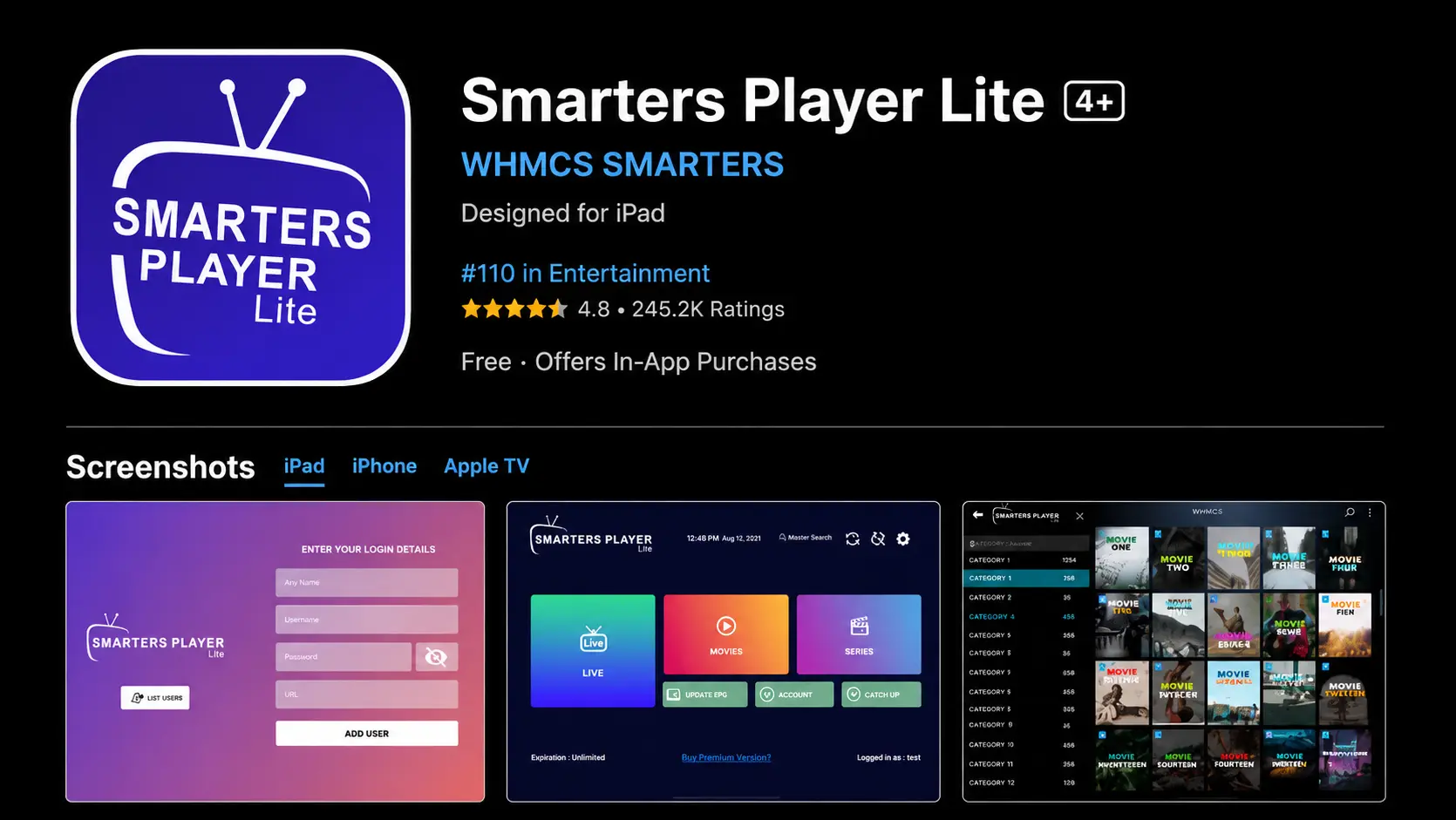
Open the app and choose “Login with Xtream Codes API”
Accept the terms first if asked.
Enter your details
Any name, then your TrendyScreen username, password and server URL (starting with
http://).Tap “Add user”
Your live channels, movies and series load. Tap the profile to start watching.
Set up IPTVX
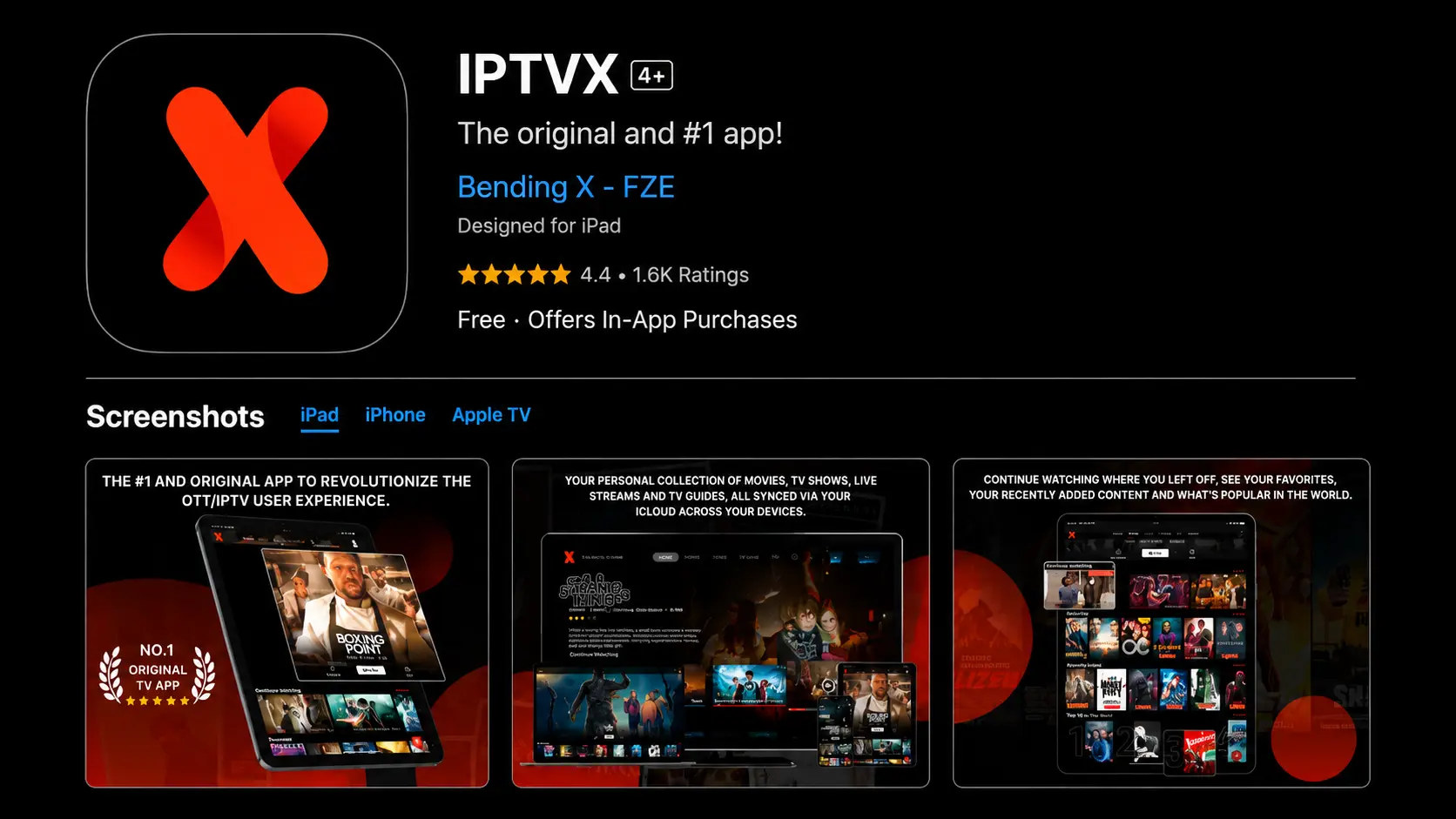
IPTVX is a premium player with a modern design, fast channel switching and support for several playlists with a TV guide.
- Download IPTVX from the App Store.
- Open it and add a new playlist with Xtream Codes.
- Enter your TrendyScreen server URL, username and password.
- Save — your channel groups and EPG appear.
Set up TiviMax
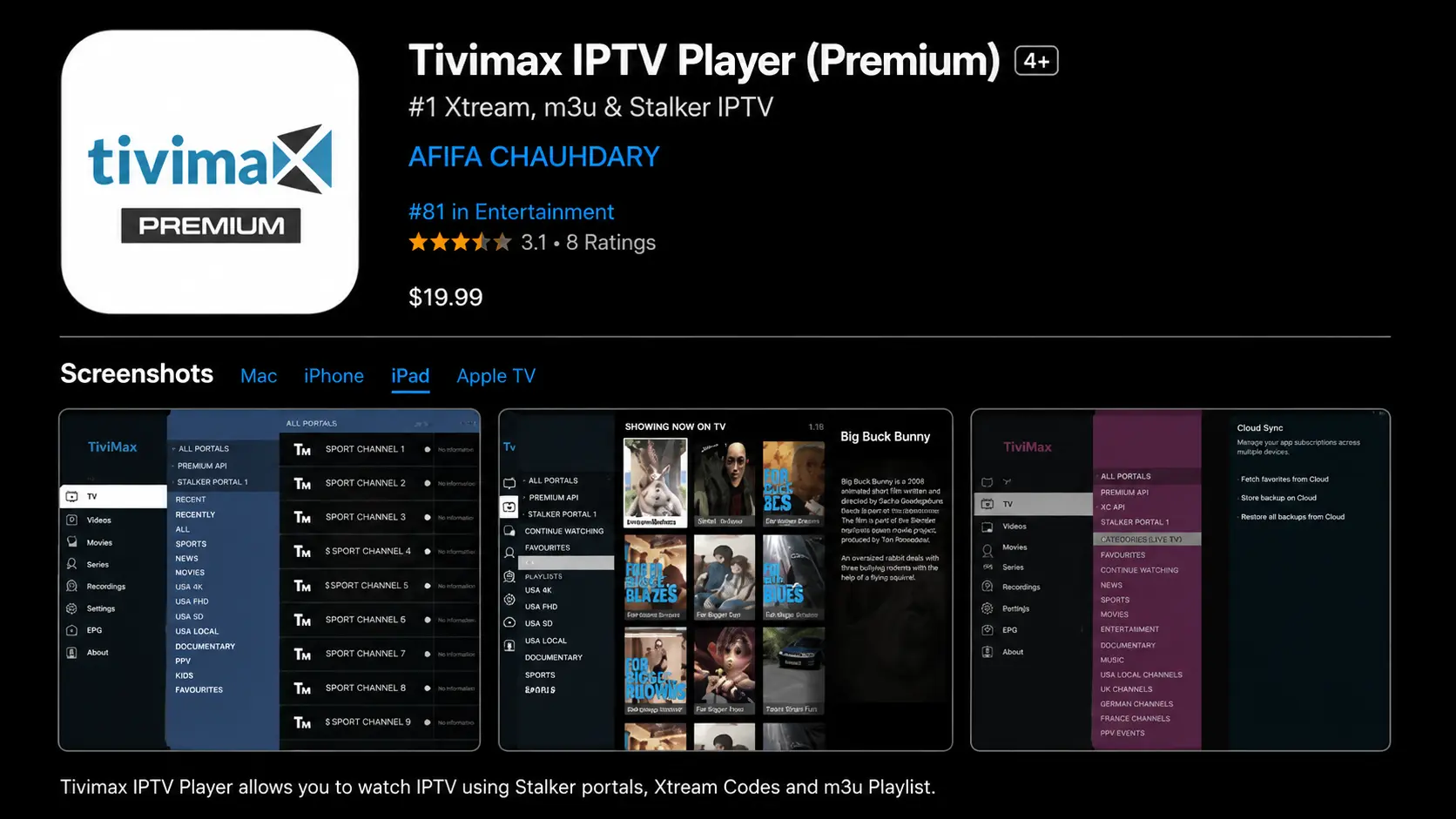
TiviMax is the closest thing to TiviMate on Apple devices, with catch-up, several playlists and parental controls.
- Download TiviMax from the App Store and open it.
- Choose the Xtream Codes API login.
- Enter the details from your TrendyScreen activation message.
- Tap Add user to start streaming.
Your login details
- Any name: a profile name of your choice.
- Username and password: from your activation message (email or WhatsApp).
- Server URL: usually starts with
http://and ends with a port such as:8080.
Watch out for auto-correct
Type the username, password and server URL exactly as received. iOS may capitalise the first letter or add a space after a full stop — check before you tap Add user.
Apple TV tips
- Install the app on the Apple TV itself rather than AirPlaying from your phone — the picture is better and the phone stays free.
- Use Ethernet on Apple TV 4K models that have a port.
- Turn on “Match Frame Rate” in Apple TV settings for smoother sports.
Troubleshooting
Authorization failed
- Check the username and password.
- Make sure the server URL is correct and complete.
- Turn off VPN and try again.
- Confirm your subscription is active.
Channels not loading
- Restart the app and refresh the playlist.
- Check your internet connection.
- Still nothing? Go through the IPTV not working checklist or message us.
iPhone, iPad and Apple TV questions
What is the best IPTV app for iPhone?
Smarters Player Lite is the easiest free choice. IPTVX has the most polished interface and strong playback. TiviMax is a good option if you like TiviMate’s layout from Android.
What is the best IPTV app for Apple TV?
IPTVX and Smarters Player Lite both have Apple TV versions and work well with the Siri remote. Search the App Store on the Apple TV itself to install them.
Can I use the same login on my iPhone and Apple TV?
Yes. Add the same TrendyScreen login to each device, and watch on one at a time.
The app says “Invalid login” or “Authorization failed”.
Check the username, password and server URL character by character — iOS auto-correct sometimes capitalises the first letter. Turn off VPN and check your plan is active. More in the Failed to Authorize guide.
Can I AirPlay IPTV to my TV?
Yes, most iOS IPTV apps support AirPlay to an Apple TV or an AirPlay-compatible smart TV. For daily use, installing the app directly on the Apple TV gives a better picture and lets you put the phone down.