
On this page
In short: install the free Downloader app, allow it to install apps, type a code such as 78522 (IPTV Smarters Pro) and select Go. The code points to a download link; Downloader fetches and installs the app.
What a Downloader code is
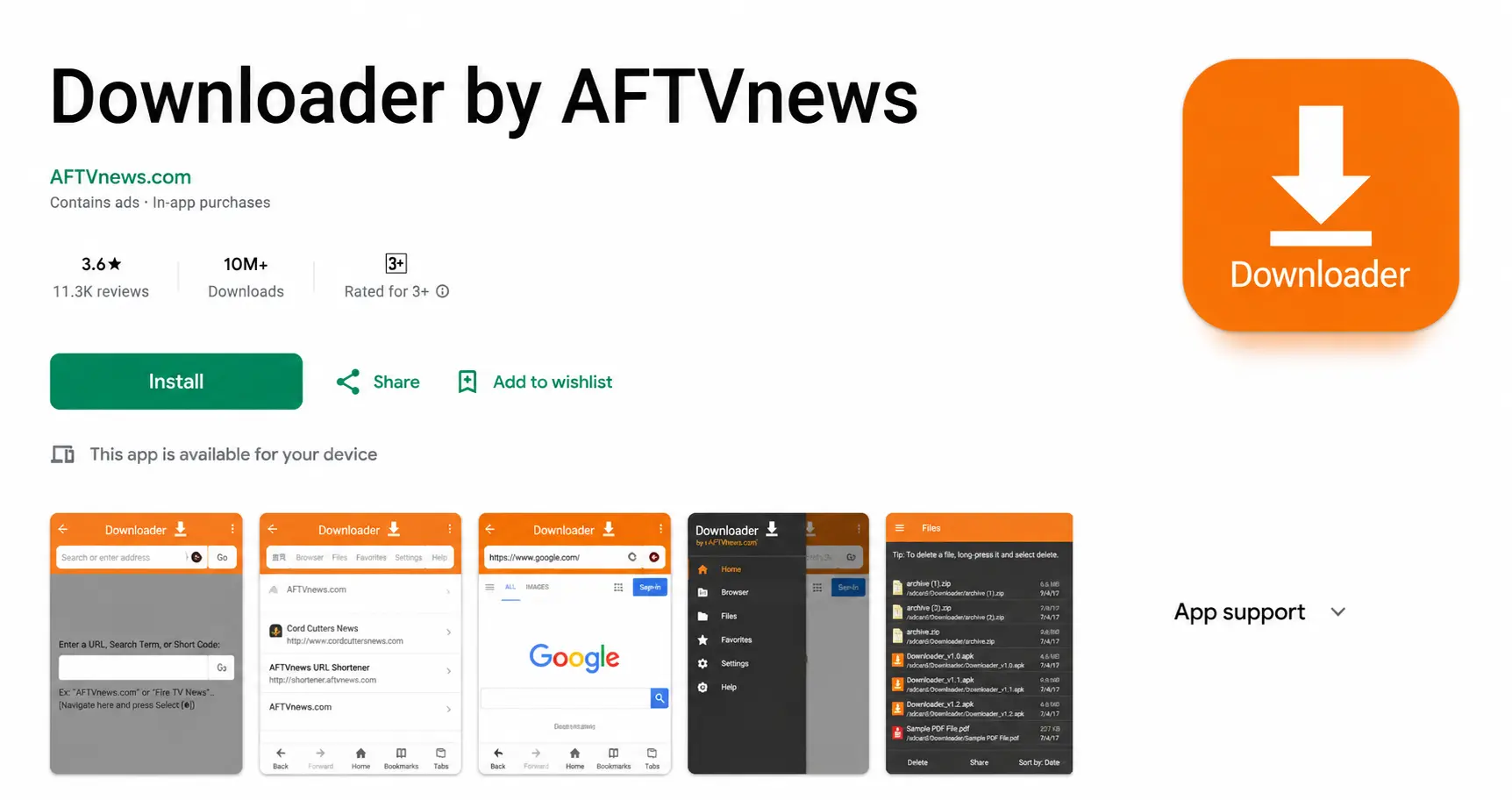
Downloader, made by AFTVnews, is a small browser and download manager for Fire TV and Android TV. Typing a full web address with a TV remote is slow, so Downloader lets anyone register a short numeric code for a link. When you type the code, Downloader looks it up and opens the link behind it. The code is just a shortcut — it says nothing about whether the file is safe.
How to use a code
Install Downloader
Search Downloader in the Amazon Appstore (Firestick) or Google Play (Android TV) and install the app by AFTVnews.
Allow it to install apps
Firestick: Settings > My Fire TV > Developer options > Install unknown apps > Downloader: ON. Android TV: allow it when Android asks the first time.
Type the code and select Go
Open Downloader, click the URL box, type the numeric code and select Go. Downloader looks up the link behind the code and downloads the file.
IPTV Smarters Pro78522Install, then delete the file
Select Install, then Done, and choose Delete to remove the installer and keep storage free.
Codes for IPTV players
| App | How to get it on Firestick |
|---|---|
| IPTV Smarters Pro | Downloader code 78522 |
| TiviMate | Ask us on WhatsApp for a current link |
| IPTV Stream Player | Ask us on WhatsApp for a current link |
| Smart IPTV | From the developer’s official website |
Codes shared on forums and videos change often and are sometimes reused for other files. That is why we send links ourselves instead of publishing long lists of codes that may be out of date.
Staying safe with APK files
- Install players, not packages. A legitimate IPTV player is empty until you log in. An app that arrives full of free channels is a red flag.
- Prefer official sources: the app store first, the developer’s own website second, a trusted code third.
- Switch “Install unknown apps” off again after installing.
- Delete installer files after use — they waste the Firestick’s small storage.
Sky Glass and other TVs
Downloader codes are for Fire TV and Android TV only. Sky Glass, Samsung and LG TVs cannot install APK files; see IPTV on Sky Glass and IPTV on Samsung and LG for what works there.
Downloader code questions
What is the Downloader code for IPTV Smarters Pro?
78522. Type it in the Downloader URL box and select Go.
Is there a Downloader code for TiviMate?
Codes for TiviMate circulate online, but they are created by third parties and change. Ask us on WhatsApp and we send you a current, working link.
Are Downloader codes safe?
The Downloader app is safe and official. A code is only a shortcut to a link, though — anyone can create one. Only use codes from sources you trust, and never install “IPTV apps” that come with channels built in.
Why does a code say “not found” or download nothing?
The code was deleted or the file behind it moved. Codes are not permanent. Message us for an up-to-date link.
Do I need to keep “Install unknown apps” on?
Only while installing. You can switch Downloader back to OFF afterwards; installed apps keep working.