
On this page
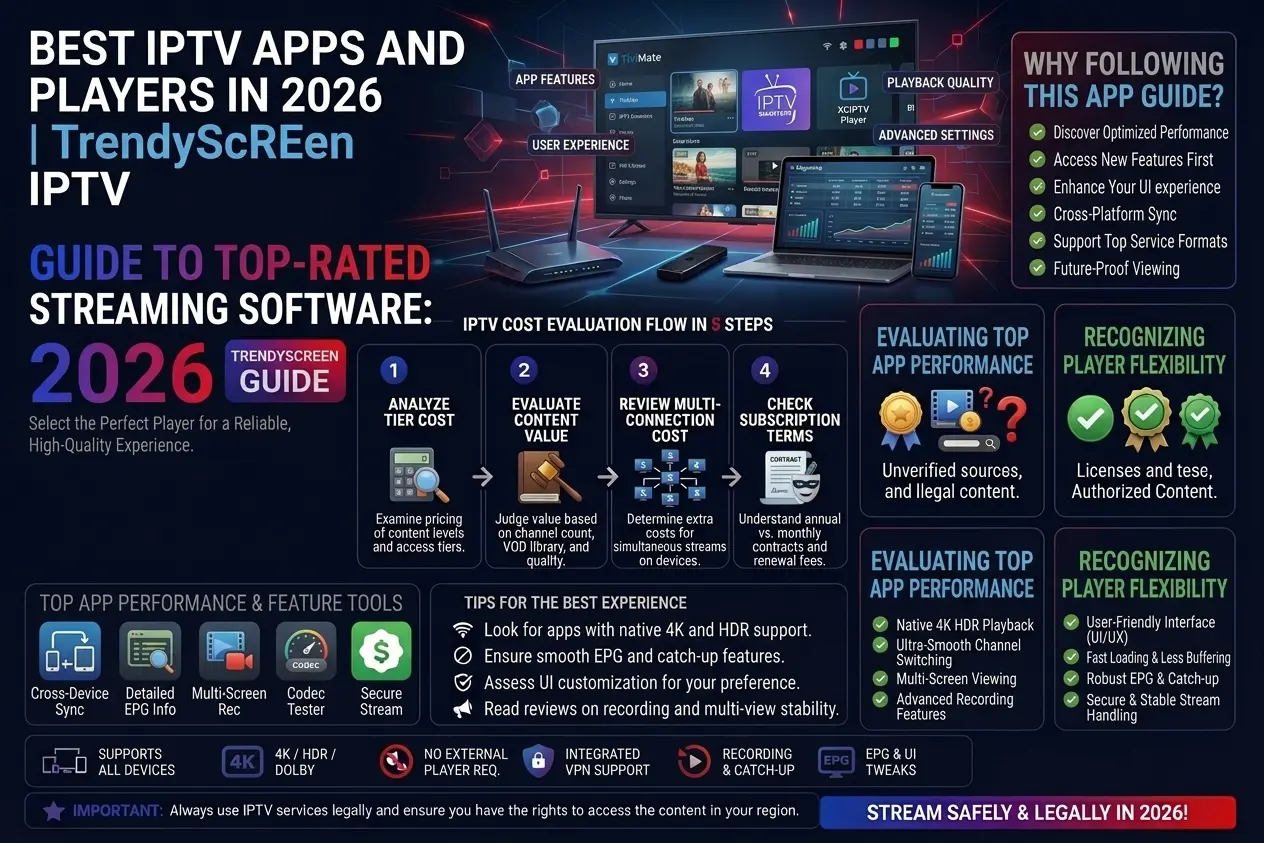
Short answer: IPTV Smarters Pro is the best free all-rounder, TiviMate is the best for Android TV and Firestick, XCIPTV is the lightest, IBO Player Pro is a stable paid option for Samsung and LG TVs, and IPTVX is the best for iPhone and Apple TV. All of them work with a TrendyScreen login.
Comparison table
| App | Price | Devices | Best for |
|---|---|---|---|
| IPTV Smarters Pro | Free | Almost all | Simple setup, live TV + VOD |
| TiviMate | Free / Premium | Android TV, Firestick, Shield | The best TV guide |
| XCIPTV | Free | Android, Firestick | Light and fast |
| IBO Player Pro | Trial, then paid | Samsung, LG, Android | Stability on Smart TVs |
| IPTVX | Paid | iPhone, iPad, Apple TV, Mac | Premium Apple experience |
1. IPTV Smarters Pro
The most popular player and the easiest to set up with an Xtream Codes login. Live TV, movies and series sit in one clean interface, with catch-up where the channel supports it. Best for: beginners, on any device. Install it on Firestick.
2. TiviMate
A TV-style player built for Android TV and Firestick: a fast guide, favourites, scheduled EPG updates and a layout designed for the remote. Live TV is free; TiviMate Premium unlocks movies, series and advanced features. Best for: big channel lists on the TV.
3. XCIPTV
Free, light and simple, with good TV guide support. It runs well on Android phones, Android TV and Firestick. Best for: people who want something quick without extras.
4. IBO Player Pro
A paid player known for stability on Samsung, LG and Android TVs. You link your playlist to the app’s MAC address, usually after a short trial. Best for: Smart TV owners who want a reliable alternative to free apps. Smart TV setup.
5. IPTVX
A premium player designed for Apple devices, with a native iOS design, smooth playback and support for Xtream Codes and M3U. Best for: iPhone, iPad and Apple TV. Apple setup.
Which app should you choose?
- Simplest setup: IPTV Smarters Pro.
- Best on the big screen: TiviMate.
- Light and free: XCIPTV.
- Stable on a Samsung or LG TV: IBO Player Pro.
- On Apple devices: IPTVX.
The app changes the interface, not your channels. Every app above shows the same TrendyScreen channels, films and series with the same login.
How to connect any app to TrendyScreen
- Install the app from the official store for your device.
- Choose Login with Xtream Codes API (or the M3U option).
- Enter your TrendyScreen username, password and server URL.
- Wait for the channels to load and start watching.
Login refused? See Failed to Authorize fixes.
IPTV app questions
What is the best IPTV player?
IPTV Smarters Pro is the best all-rounder because it is free and works on almost every device. TiviMate is the best on Android TV and Firestick for its TV guide. IPTVX is the best on iPhone and Apple TV.
Do IPTV apps include channels?
No. An IPTV app is only a player. The channels come from your subscription — you add your TrendyScreen login to the app.
Is TiviMate better than IPTV Smarters?
On a TV with a remote, TiviMate’s guide and speed are better; its free version shows live TV only. IPTV Smarters Pro is simpler and includes movies and series for free. Many people use Smarters first and move to TiviMate later.
Can I use two different apps with one subscription?
Yes — add the same login to both. Just watch on one device at a time.