
On this page
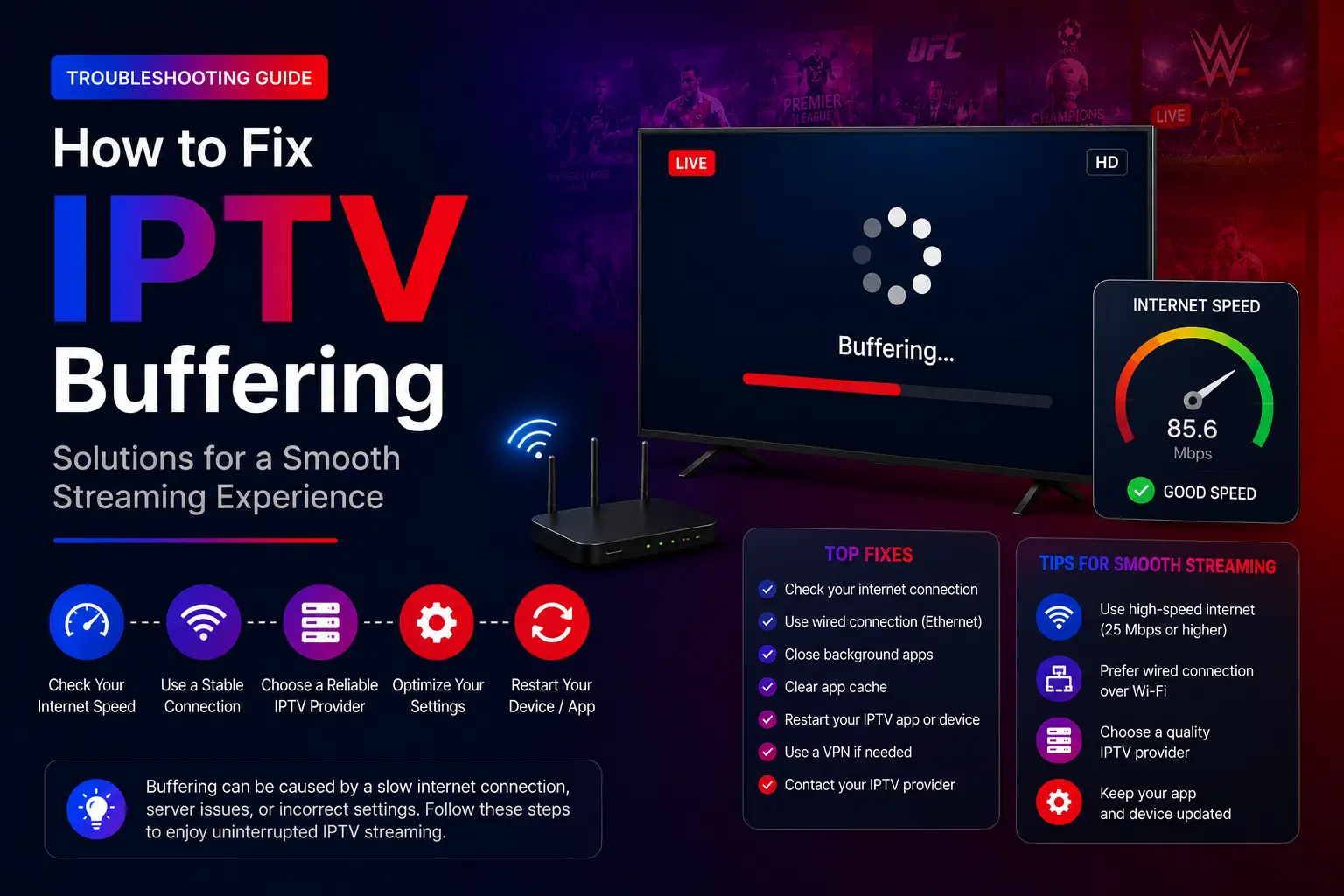
Quick answer: to stop IPTV buffering, test your speed on the device you watch on, restart your router, connect with an Ethernet cable, clear the IPTV app’s cache, restart the device and test with your VPN off. If a 4K channel still stutters, switch to its FHD or HD version.
What causes IPTV buffering?
- Slow or unstable internet, or weak Wi-Fi far from the router.
- Too many devices streaming or downloading on the same network.
- A streaming device with full storage or too little memory.
- An old IPTV app version or a corrupted app cache.
- A VPN slowing the connection down.
- Internet provider congestion at peak hours.
How much speed do you need?
| Quality | Recommended speed (on the device) |
|---|---|
| SD | 10 Mbps or more |
| HD | 20 Mbps or more |
| Full HD | 30 Mbps or more |
| 4K / UHD | 50 Mbps or more |
If others at home are on Netflix, YouTube, gaming or downloading at the same time, you need more than these numbers.
How to fix IPTV buffering, step by step
Test your internet speed on the device
Run a speed test on the TV or box itself (not on your phone). Compare the result with the table below.
Restart the router
Turn it off, wait 60 seconds, turn it back on and wait until the internet reconnects.
Use an Ethernet cable
Connect the TV or box to the router with a cable, or use an Ethernet adapter on a Firestick.
Clear the IPTV app cache
Firestick/Android: Settings > Applications > your IPTV app > Clear cache. Smart TV/iPhone: reinstall the app if there is no option.
Restart the streaming device
A restart clears the memory of a Firestick, TV or box that has been on for days.
Test with the VPN on and off
Keep whichever setting is smoother. Avoid free VPNs.
Lower the stream quality
If a 4K channel stutters, try the FHD or HD version of the same channel.
Reduce the load on your network
- Pause big downloads and cloud backups while you watch.
- Close streaming apps you are not using.
- Disconnect devices you do not need.
- Restart the IPTV app before a big live event.
Buffering on specific devices
Smart TV
Restart the TV, update its firmware, use Ethernet if it has a port, and reinstall the IPTV app. TV Wi-Fi is often weaker than a stick’s — see the Smart TV guide.
Firestick
Clear the cache, remove apps you do not use, restart it, and add an Ethernet adapter if Wi-Fi is weak. More in the Firestick guide.
Android TV and boxes
Clear the app cache, update the player, free up storage and restart the box.
MAG box
Reboot the box and the router, check the portal URL and the network settings — see the MAG guide.
Advanced fixes
Change your DNS
Set your device or router to a public DNS such as Google (8.8.8.8 and 8.8.4.4) or Cloudflare (1.1.1.1 and 1.0.0.1).
Upgrade or move your router
An old router can struggle with HD and 4K. A newer one, a mesh system or a Wi-Fi extender near the TV makes a big difference.
Try another player
If one app stutters on your device, another may not. See the best IPTV apps.
When to contact support
Message us if buffering continues after these steps, if only certain channels buffer, if your playlist or portal does not load, or if you see login errors (Failed to Authorize). Picture blurry rather than freezing? See why streaming quality is bad.
IPTV buffering questions
Why does my IPTV keep buffering?
Most often: not enough speed on the device (weak Wi-Fi), a busy home network, a full or overheated streaming device, an old app cache, or a slow VPN. Occasionally your internet provider is congested at peak times.
What internet speed do I need for IPTV?
About 10 Mbps for SD, 20 Mbps for HD, 30 Mbps for Full HD and 50 Mbps for 4K — measured on the device you watch on, with room left for everyone else in the house.
Why does IPTV buffer only in the evening?
That is peak time for your internet provider and your home network. A cable connection, fewer other streams, and a lower quality version of the channel help most.
Only one channel buffers. What does that mean?
If other channels play fine, the problem is likely that channel’s source. Try its other quality version and tell our support team the channel name.
Does a VPN stop IPTV buffering?
Sometimes — if your internet provider slows down streaming traffic, a fast VPN can help. More often, a VPN adds distance and slows things down. Test both ways.