
On this page
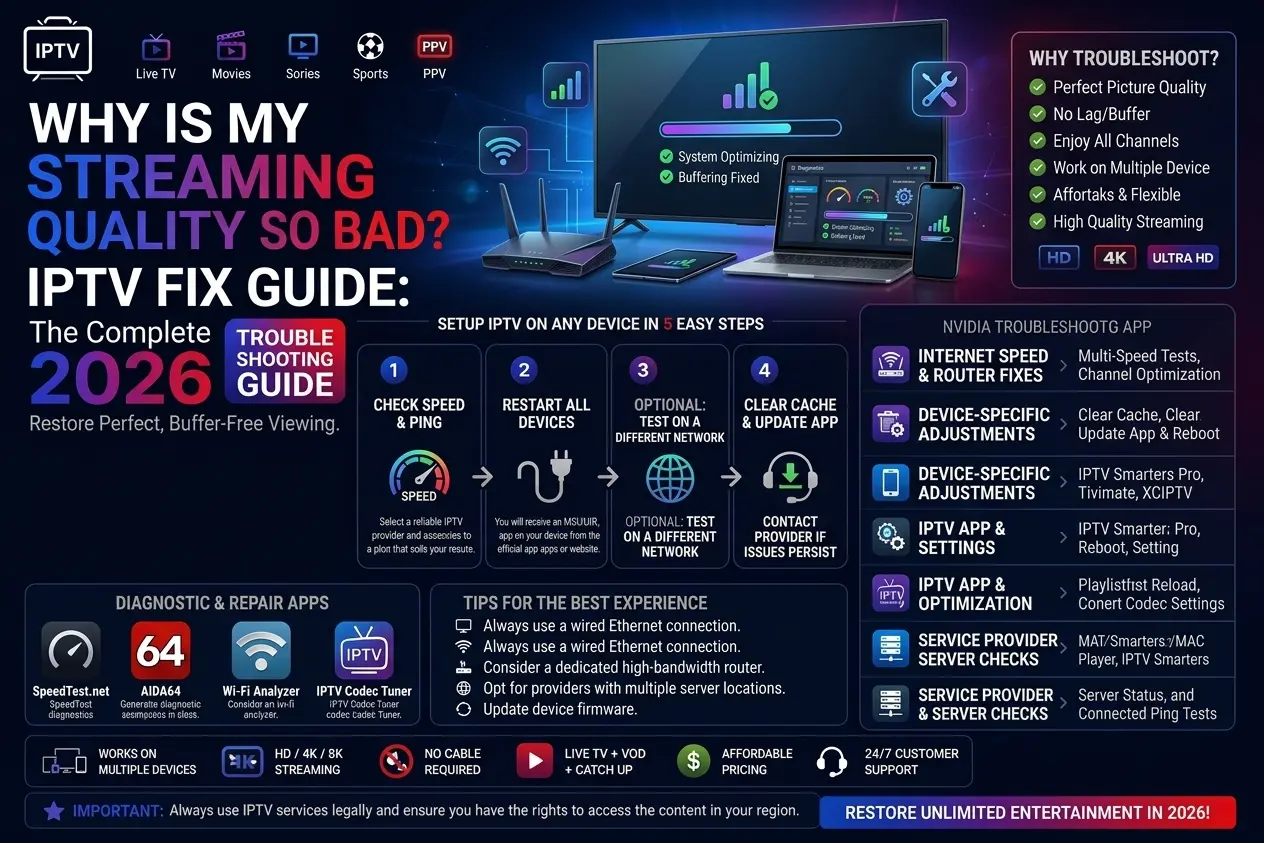
Quick answer: bad IPTV picture quality is almost always caused by too little speed on the device, a weak Wi-Fi signal, or watching the low-quality version of a channel. Test your speed on the device, switch to Ethernet, pick the FHD or 4K version of the channel, and check that your device outputs the TV’s full resolution.
Why streaming quality drops
IPTV adapts to your connection. When the speed reaching your device falls — because of distance from the router, another person downloading, or peak-time congestion — the stream either drops to a lower resolution or breaks into blocks. Bad quality is different from buffering: the video keeps playing, but it looks soft, blocky or smeared.
Looks blurry or soft
- Watching the SD/HD version of a channel
- Device set to 720p or 1080p on a 4K TV
- TV “enhancement” modes
Looks blocky or pixelated
- Not enough speed for that stream
- Weak Wi-Fi or a busy network
- Fast motion (sport) on a slow connection
How to fix bad streaming quality
Check the speed on the device you watch on
Full HD needs about 30 Mbps and 4K about 50 Mbps on the device itself. If the result is lower, the app drops to a lower quality — or the picture breaks up.
Pick the higher-quality version of the channel
Many channels exist in several versions (HD, FHD, 4K). Make sure you are not watching the SD or HD version on a big 4K TV.
Move from Wi-Fi to Ethernet
A cable gives a steady speed; Wi-Fi speed drops with distance, walls and neighbours’ networks.
Check the TV and device output settings
Set the streaming device to your TV’s resolution (4K on a 4K TV), turn off heavy picture “enhancement” modes on the TV, and use the TV’s correct HDMI input.
Update or change the player
Update your IPTV app. If quality is still poor, try another player — some decode video better on certain devices.
Speed needed for each quality
| Quality | Speed on the device |
|---|---|
| HD (720p) | About 20 Mbps |
| Full HD (1080p) | About 30 Mbps |
| 4K (2160p) | About 50 Mbps |
Still poor?
If the picture is bad on one channel only, tell our support team the channel name. If it is bad everywhere after these checks, go through the full IPTV checklist or message us on WhatsApp.
Streaming quality questions
Why is my streaming quality so bad all of a sudden?
Usually a drop in speed: someone else is downloading or streaming at home, the Wi-Fi signal changed, or your internet provider is busy at peak time. Test your speed on the device and try a cable.
Why is IPTV pixelated during sport?
Fast motion needs more data. If the connection cannot keep up, the picture breaks into blocks. Use Ethernet, stop other downloads, or switch to the FHD version instead of 4K for the match.
Does a better device improve picture quality?
Yes. Older or entry-level sticks struggle with 4K and high frame rates. A Fire TV Stick 4K Max or NVIDIA Shield decodes streams more cleanly — see the device comparison.