
Trendyscreen IPTV
Best IPTV Apps and Players in 2026
Choosing the right IPTV app makes a big difference in how smooth your streaming feels. This guide compares the top IPTV players and shows how each one works with your Trendyscreen IPTV subscription.
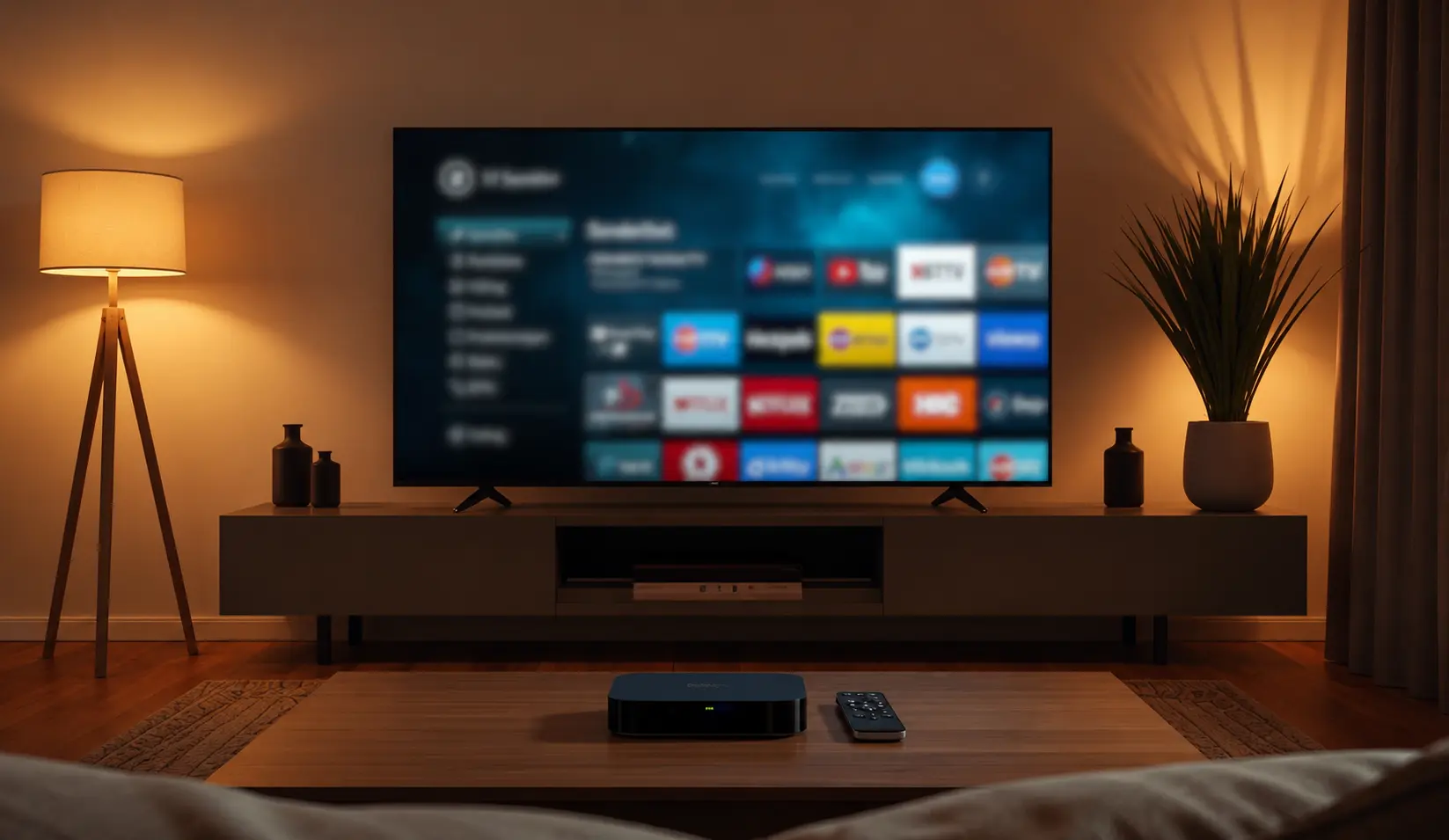
An IPTV app (or "player") is what displays your channels, EPG and VOD content — it connects to your Trendyscreen IPTV login and turns your subscription into a working streaming experience. The right app depends on your device and what features matter most to you.
1. IPTV Smarters Pro
The most popular and beginner-friendly IPTV app, available on almost every device.
- Free and easy to set up with Xtream Codes API login.
- Clean interface with live TV, movies and series in one place.
- Multi-device support and catch-up TV on many providers.
- Best for: beginners who want simple setup on any device.
2. TiviMate
A premium, TV-style app built specifically for Android TV and Firestick.
- Modern, big-screen-friendly interface.
- Scheduled EPG updates and favorite channels.
- Free version available, with a paid tier for advanced features.
- Best for: Android TV, Firestick and NVIDIA Shield users who want a polished TV-style experience.
3. XCIPTV
A lightweight, free app that's simple to install and use.
- Free with a clean, minimal interface.
- Good EPG support and easy channel navigation.
- Works well on Android phones, Android TV and Firestick.
- Best for: users who want something simple without extra features.
4. IBO Player Pro
A paid app known for stability, popular on Smart TVs and Android devices.
- Reliable performance across Samsung, LG and Android devices.
- Usually offers a short free trial before activation.
- Best for: users who want a stable, paid alternative to free apps.
5. IPTVX (iOS)
A premium IPTV app built specifically for iPhone, iPad and Apple TV.
- Native iOS design with smooth performance.
- Supports Xtream Codes API and M3U playlists.
- Best for: iOS and Apple TV users.
Comparison: Which IPTV App Should You Choose?
- Want the simplest setup? IPTV Smarters Pro.
- Want the best big-screen interface? TiviMate.
- Want something lightweight and free? XCIPTV.
- Want a stable paid option? IBO Player Pro.
- On iPhone or Apple TV? IPTVX.
All of these apps work with your Trendyscreen IPTV login details using the Xtream Codes API method — the app you choose only changes the interface, not your channel access.
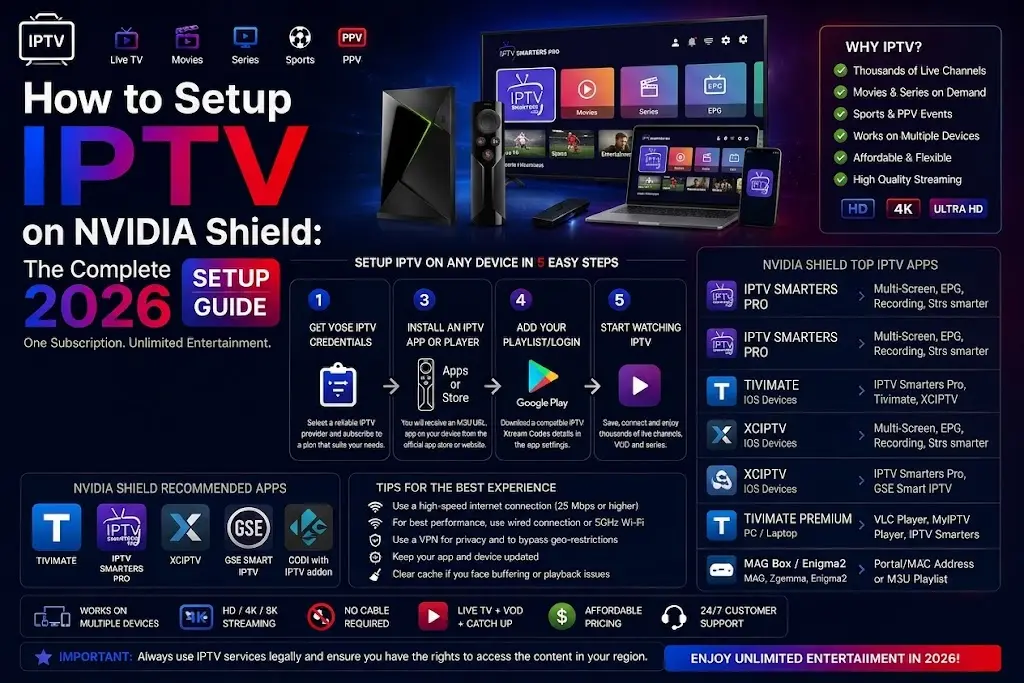
How to Connect Any App to Trendyscreen IPTV
1
Install your chosen IPTV app from the official app store.
2
Open the app and select Login with Xtream Codes API (or M3U URL).
3
Enter your Trendyscreen username, password and server URL.
4
Wait for your channels to load and start streaming.
Related Guides
Need Help Choosing the Right IPTV App?
Contact Trendyscreen support and we will help you pick and set up the best IPTV app for your device.
Contact Support →