
Installation Guide
How to Setup IPTV on NVIDIA Shield
The NVIDIA Shield TV is one of the most powerful Android TV devices for streaming. This guide shows you how to install IPTV on your Shield and get Trendyscreen IPTV running smoothly in just a few minutes.
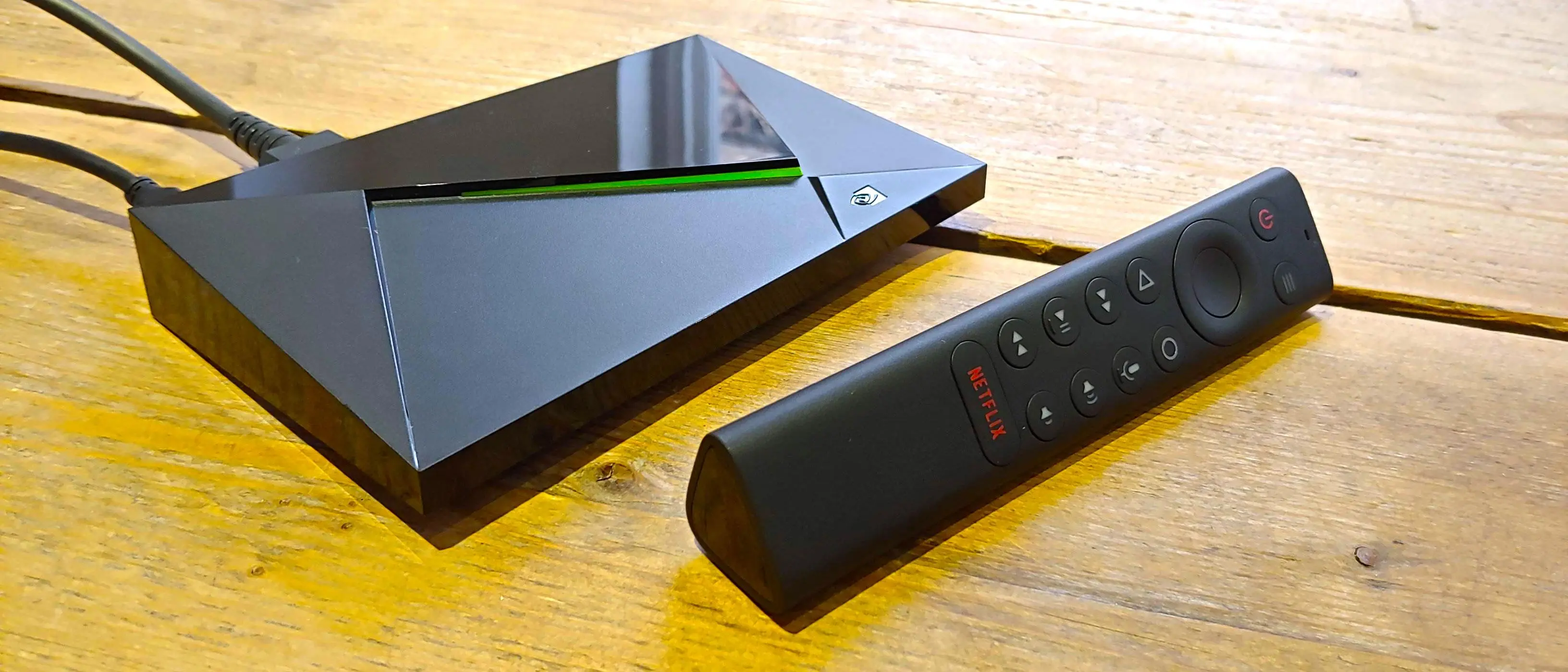
NVIDIA Shield TV runs on Android TV, which means it supports the same IPTV apps used on Android boxes and Android TVs, but with noticeably better performance, smoother 4K playback and less buffering during live sports and peak hours.
Because Shield devices come with the Google Play Store built in, installing IPTV apps is simple and does not require any sideloading tools.
Best IPTV Apps for NVIDIA Shield
Since Shield TV runs Android TV, all the top Android TV IPTV players work well:
- IPTV Smarters Pro — Free, simple and beginner-friendly.
- TiviMate — Excellent TV-style interface, great for large channel lists.
- XCIPTV — Lightweight with a clean EPG.
- IBO Player Pro — Paid app with strong stability.
Step 1: Install an IPTV App from Google Play
1
On your Shield TV home screen, open the Google Play Store app.
2
Search for IPTV Smarters Pro, TiviMate or XCIPTV.
3
Select Install and wait for the download to finish.
4
Open the app once installation is complete.
Step 2: Log In with Your Trendyscreen IPTV Details
Once the app is open, you'll need to log in using the Xtream Codes API method with the details provided by Trendyscreen.
1
Select Login with Xtream Codes API (or M3U URL, depending on the app).
2
Enter a profile name of your choice.
3
Enter your Trendyscreen username, password and server URL.
4
Select Add User and wait for the channel list to load.
Make sure the server URL includes http:// or https:// exactly as provided in your Trendyscreen order confirmation.
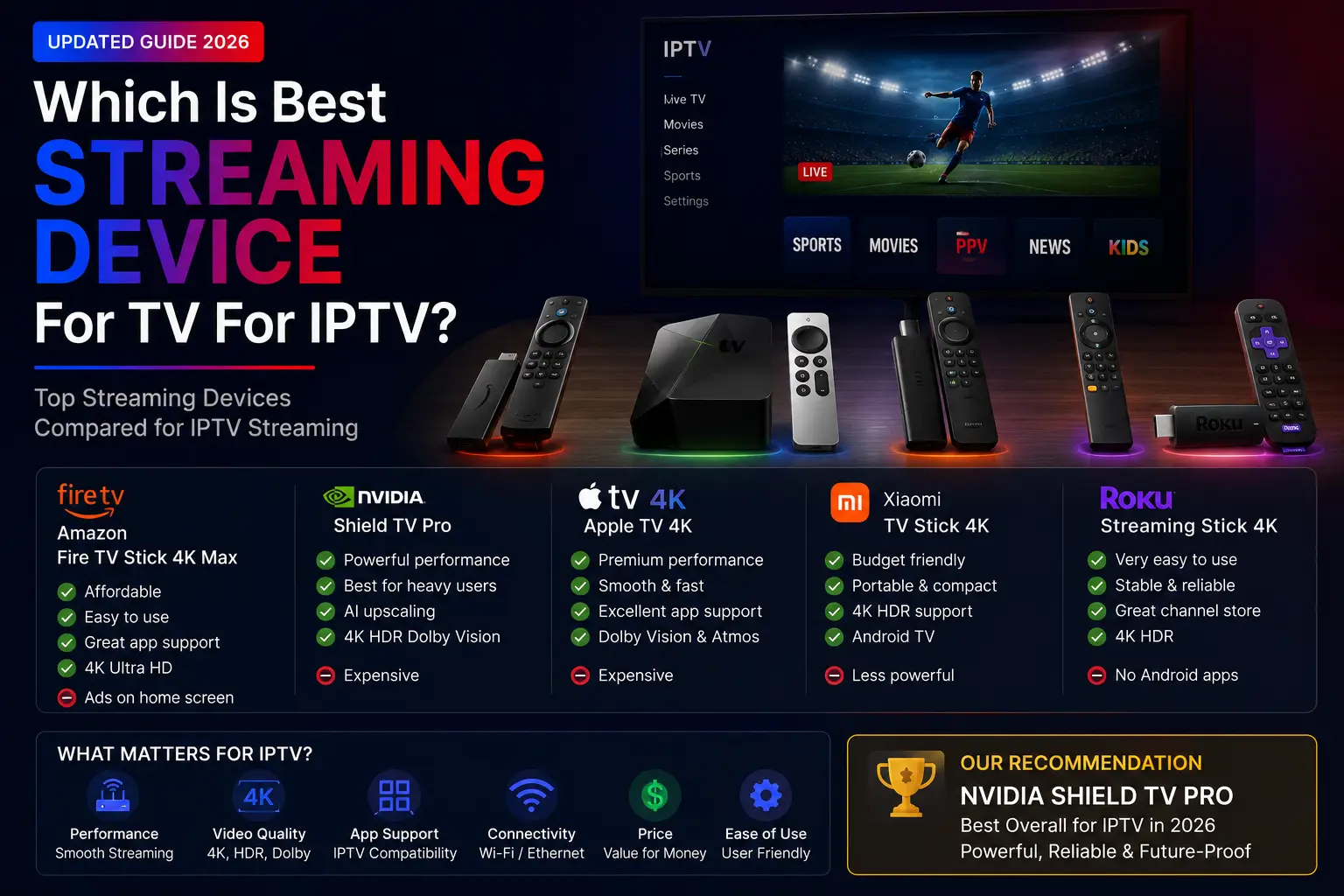
Why NVIDIA Shield Is a Great IPTV Device
- Powerful hardware handles 4K and HD streams without lag.
- Built-in Google Play Store for easy app installation.
- Strong Wi-Fi and Ethernet support for stable connections.
- Regularly updated software and long-term support from NVIDIA.
Troubleshooting
Channels Not Loading
- Check your internet connection and restart your router.
- Confirm your Trendyscreen subscription is active.
- Force close and reopen the IPTV app.
Authorization Failed
- Double-check your username, password and server URL.
- Turn off any VPN and try again.
- Contact Trendyscreen support if the issue continues.
Related Guides
Need Help Setting Up IPTV on NVIDIA Shield?
Contact Trendyscreen support and we will help you install IPTV on NVIDIA Shield, configure your login details and fix any streaming issues quickly.
Contact Support →